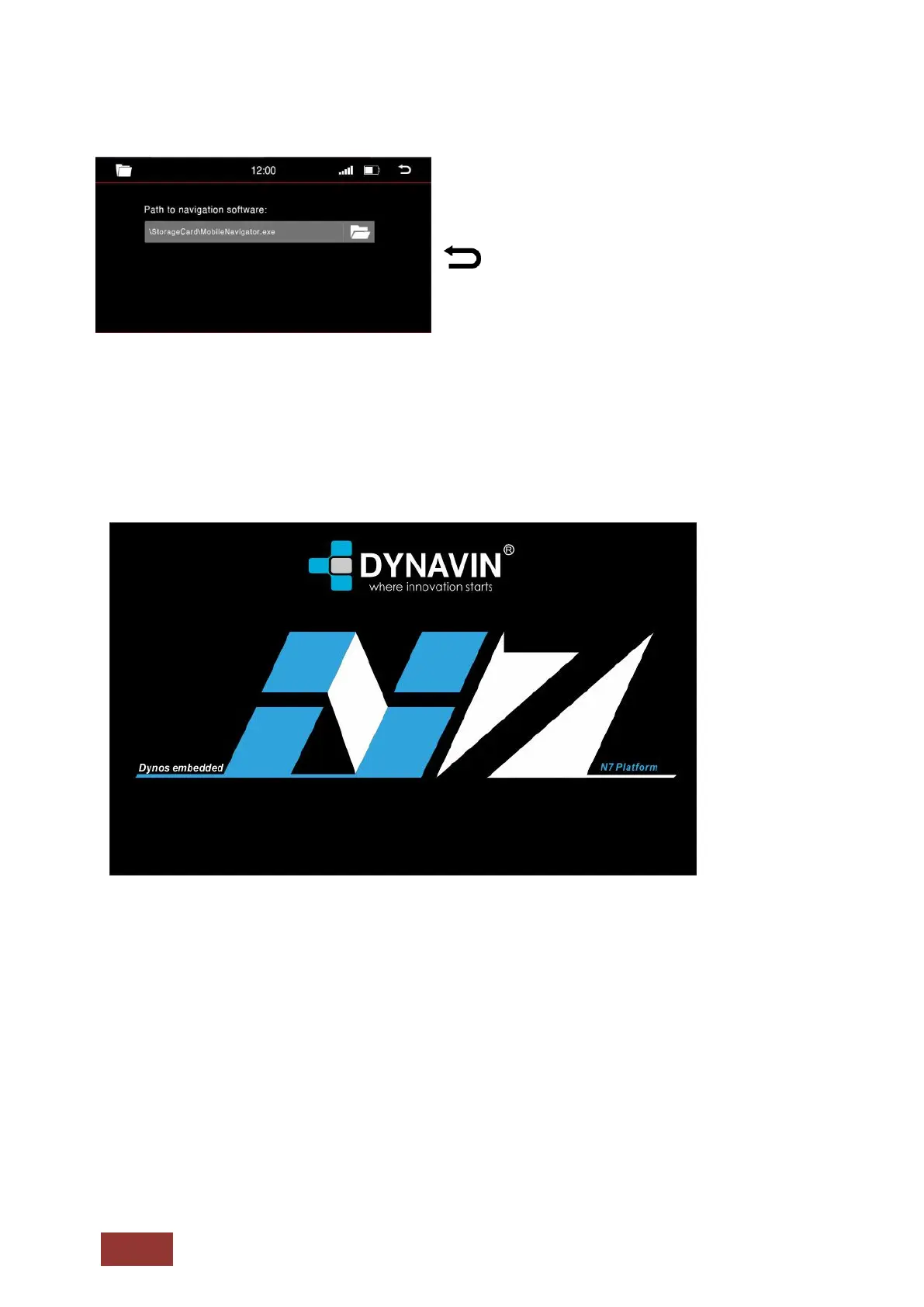
The correct path of the file should be shown as
pictured to the left.
: Press this button to return to the previous
menu.
Go to the Main Menu, click the icon for Navigation or select NAV on the front panel of the Dynavin.
You will see the navigation loading screen as pictured below.
When you start the navigation for the first time, it may take several minutes to complete.
Also, you must first set some options of the Navigation software like Language, Time, and Voice.
For all the functions and options of the navigation software, please refer to the manual for the
navigation software.
The Navigation Software will be included by Dynavin but is not a permanent part of the device. The
navigation software SD card must be inserted all at times for it to function.



 To Next Page