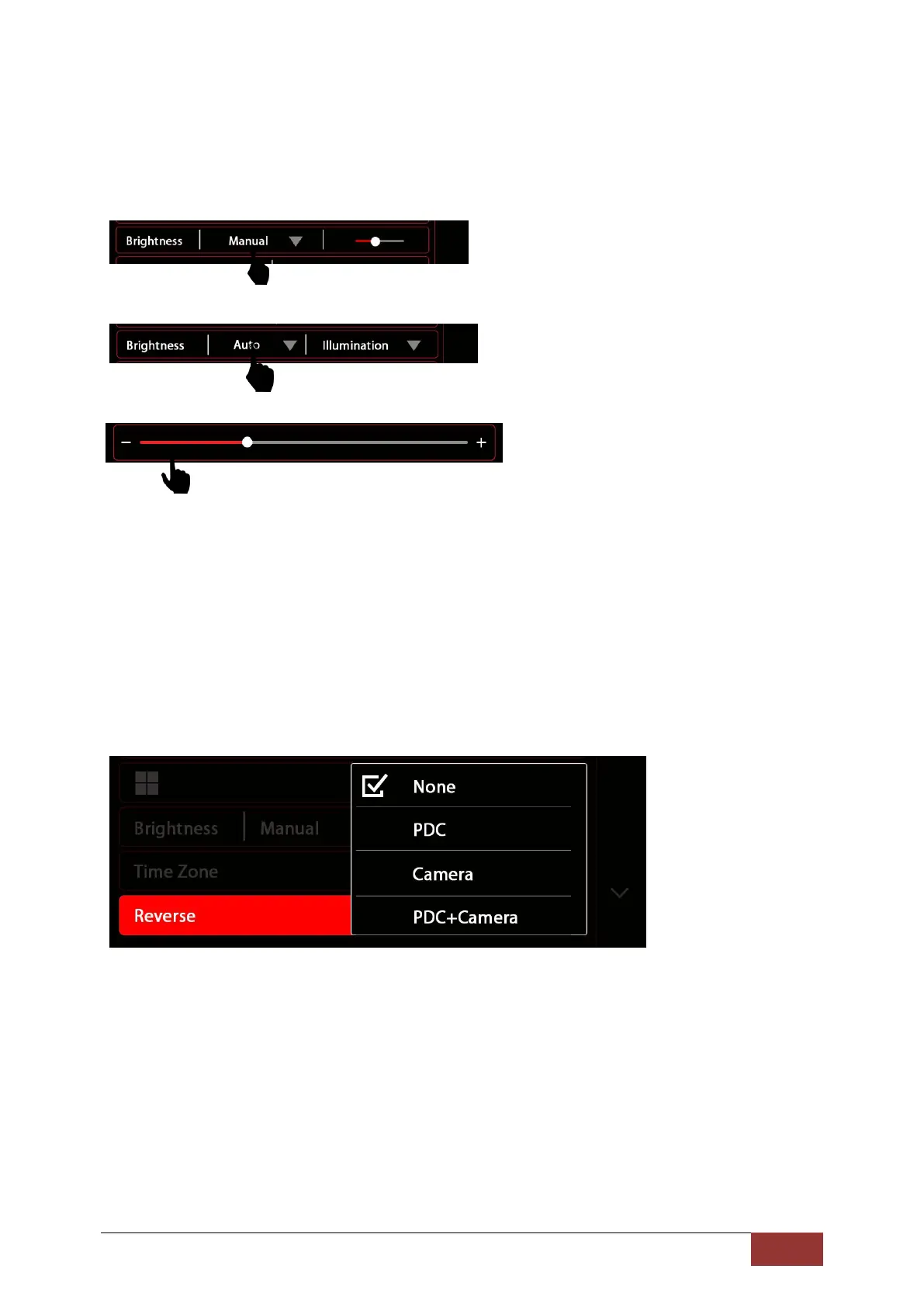
The sub-menu will close automatically once you have completed a selection. If changed, a new button
will be displayed.
For Manual mode, on the right of Manual, there will be a slider.
Then press on the slider to set the setting lever for the dimming function
.
Through a Side-motion you can adjust the slider to the desired value.
Time Zone
In this menu, you can set the time zone in which you are located. This is set by Coordinated Universal
Time (UTC).
Reverse
If your vehicle has an ORIGINAL PDC system installed or has an original rear-view camera, you can
re-enable these depending on vehicle type.
This is NOT compatible on all vehicle models. Please refer to the compatibility information from
Dynavin.
None : When no system is installed
PDC : If only one PDC system is installed
CAM : If only a rear-view camera is installed
PDC+CAM : When both systems (PDC and rear-view camera) are installed in the vehicle
With None selected, the screen will remain in the current menu when the vehicle is put in reverse.



 To Next Page