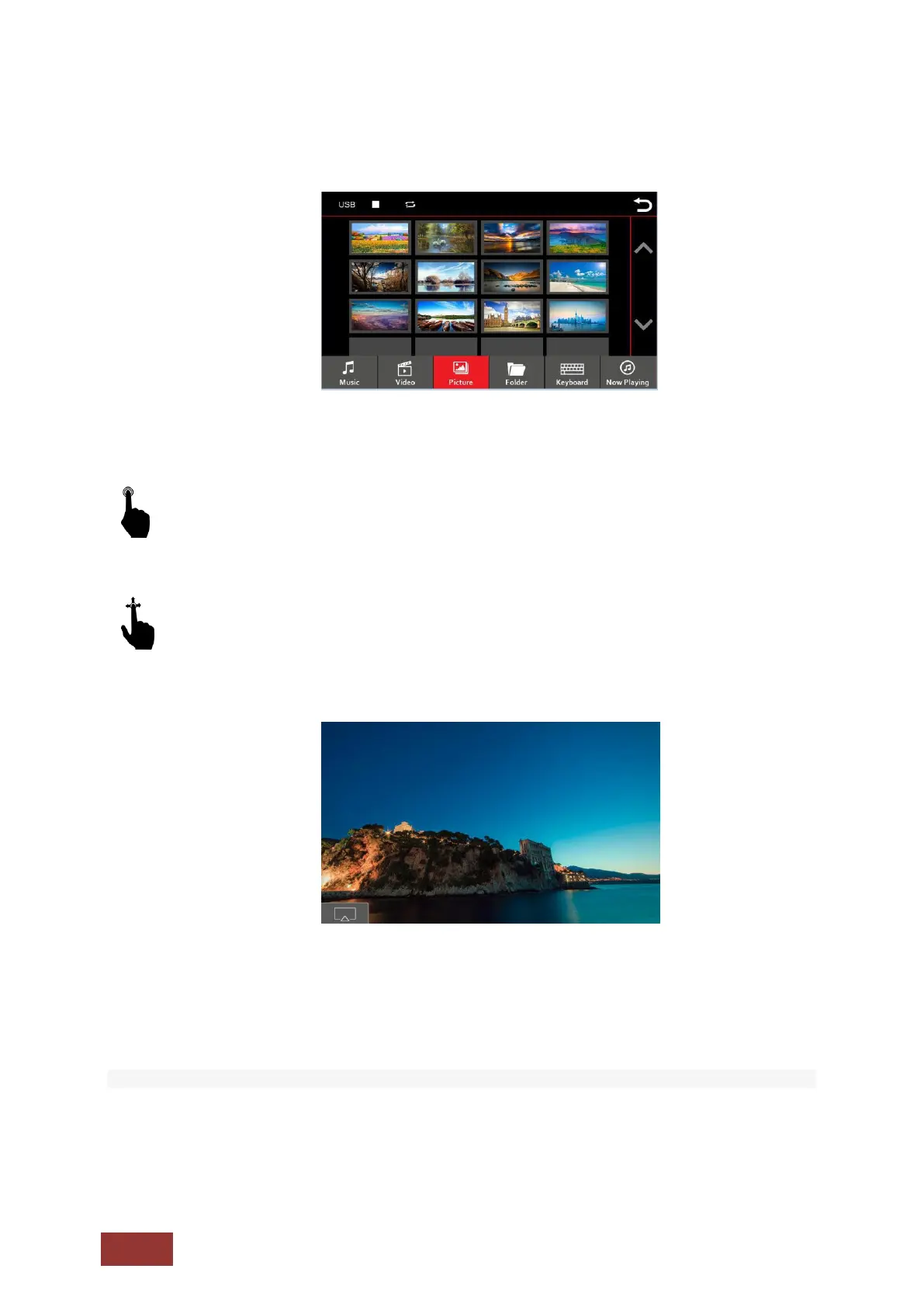
Image View Menu
A short press on one of the pictures will be displayed.
With an up and down motion, you can scroll through the pictures in the displayed section.
You can save images to the Dynavin from an SD Card or USB device. You can then select one to
display as your Dynavin starts up.
You can use any picture you have stored on the SD card such as JPG, PNG or BMP files.
To change the startup screen, press the icon in the bottom left corner as shown in the picture above.
The image selected to be displayed during startup, will be confirmed by the green circled checkmark
icon in the bottom left corner.



 To Next Page