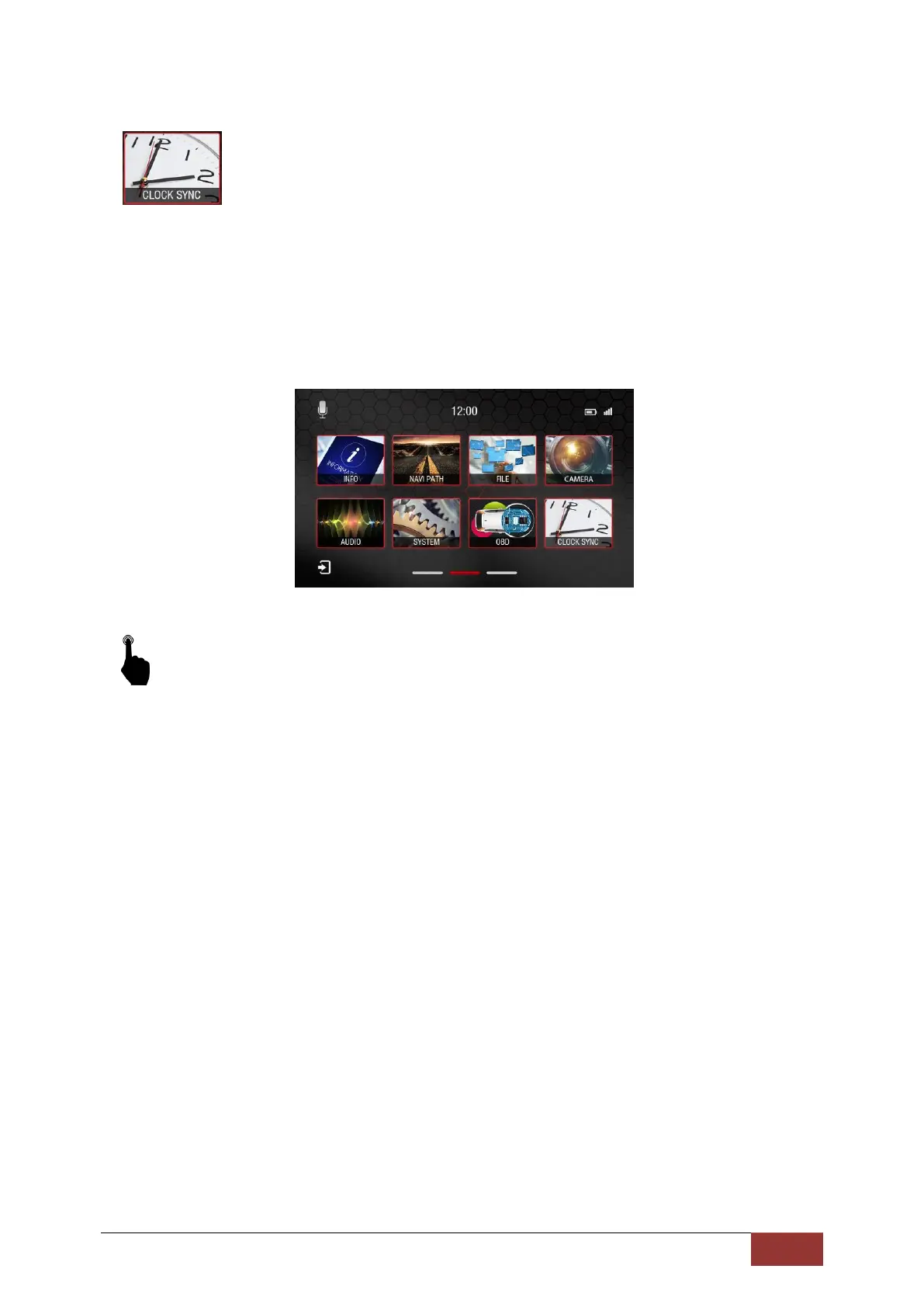
Time synchronization (except MC2000)
This function may only be used in Mercedes vehicles except for the MC2000.
Dynavin offers you the opportunity to remove the original Mercedes navigation unit to match the time
of the on-board clock with the Dynavin.
This is only compatible if you have connected the unit through a supported car.
To activate, go to the Main Menu and select the Clock Sync icon with a short press.
The clock in the cluster display will then be synchronized with the time on the Dynavin unit.



 To Next Page