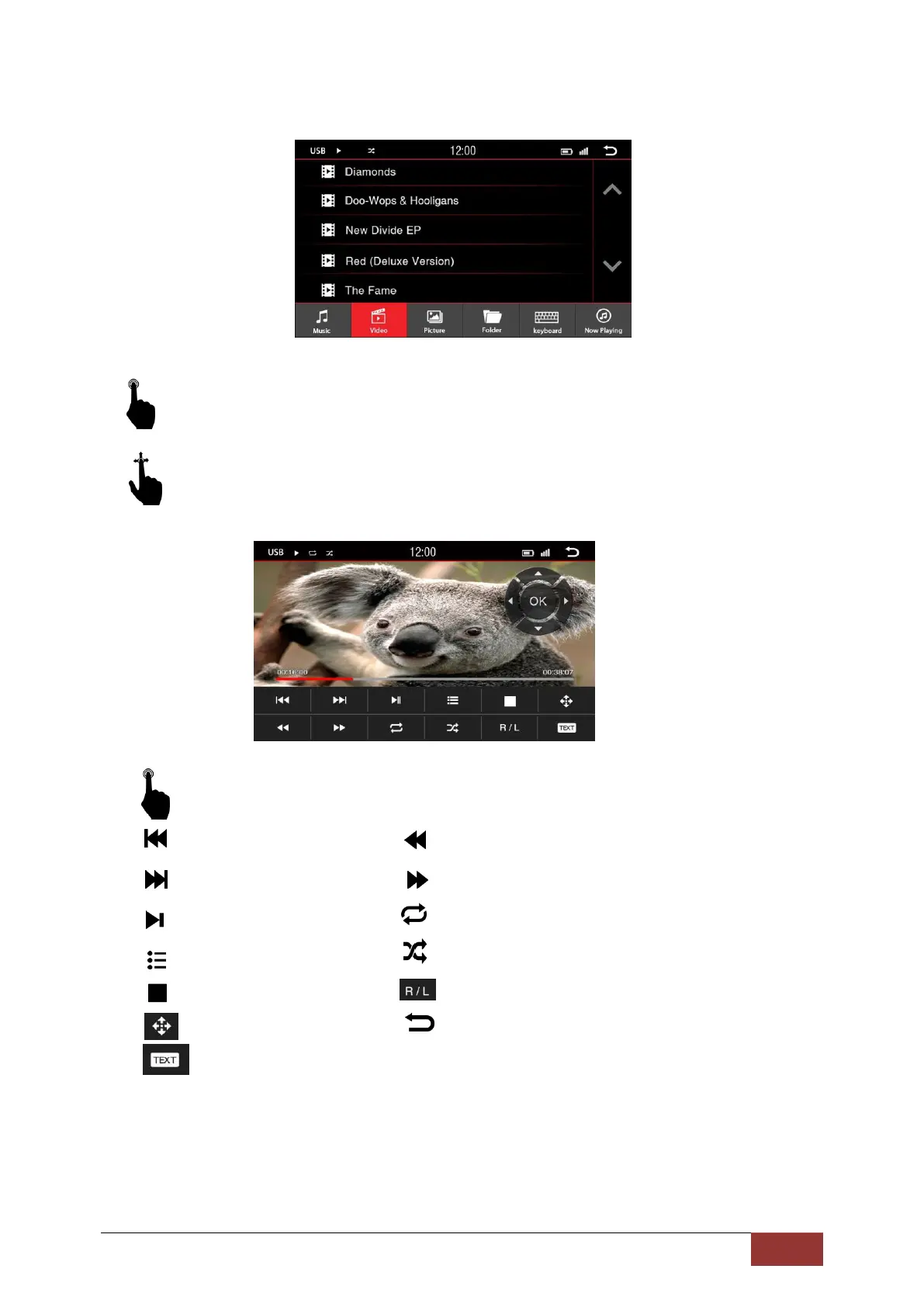
Video Playback Menu
A short press on the title of a movie will begin playing it.
With an up and down motion, you can scroll the list of films in the displayed section.
With a short press on the buttons you can select the following:
: Previous track :Fast rewind
: Next track : Fast forward
: Play / Pause :Repeat
: Back to the play list : Shuffle
: Stop : Switch the audio channel
: Control center : Return to the Main Menu
:No function



 To Next Page