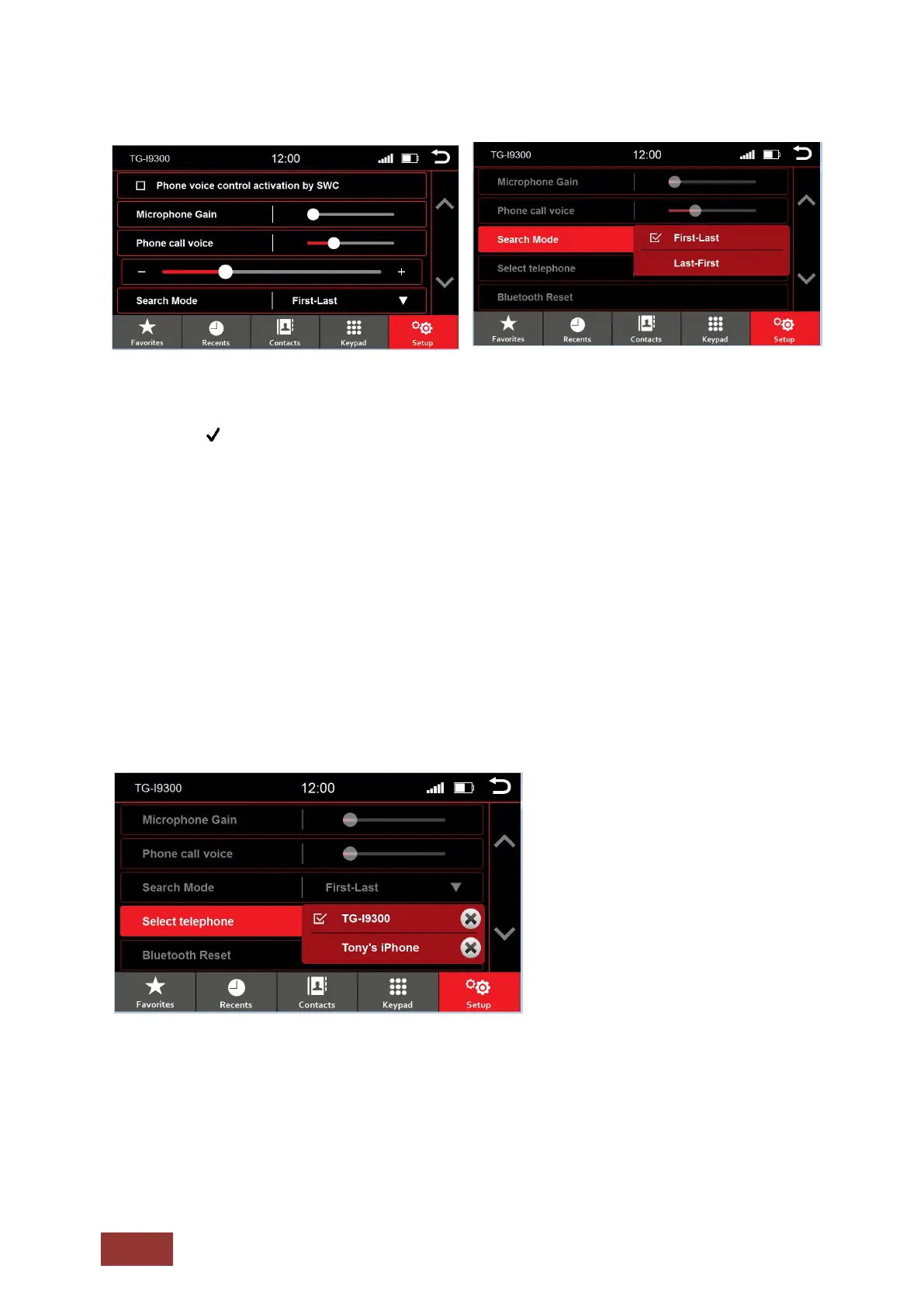
Bluetooth® Setting Menu
Phone voice control activation by SWC
A checkmark indicates that the option is selected, you can use voice call from the SWC once
selected
Microphone Gain
Adjust microphone sensitivity
Phone call voice
Adjust calling voice volume
Search Mode
You can select to search by First name or Last name
Select telephone
The Dynavin unit can remember up to two phones. Select one to connect.
Bluetooth® Reset
If you connect a different phone with the Dynavin unit, the in-memory contacts will be overwritten.
It is only possible to connect one phone to the unit at a time.
To view your phonebook, you must enable sharing of contacts, phonebook, etc. at time of pairing.



 To Next Page