CD/DVD Function
To access the CD / DVD feature, insert a disk into the drive. Press the physical button labeled DISC
on the front panel of the unit or the Disc icon from the main menu via the touchscreen.
After you insert the disc the playback of the music or video will start automatically.
To eject the CD / DVD, press the physical button on the front panel:
If you do not want to eject the media, but want to return to the previous menu, briefly press the SRC
button on the front panel of the unit.
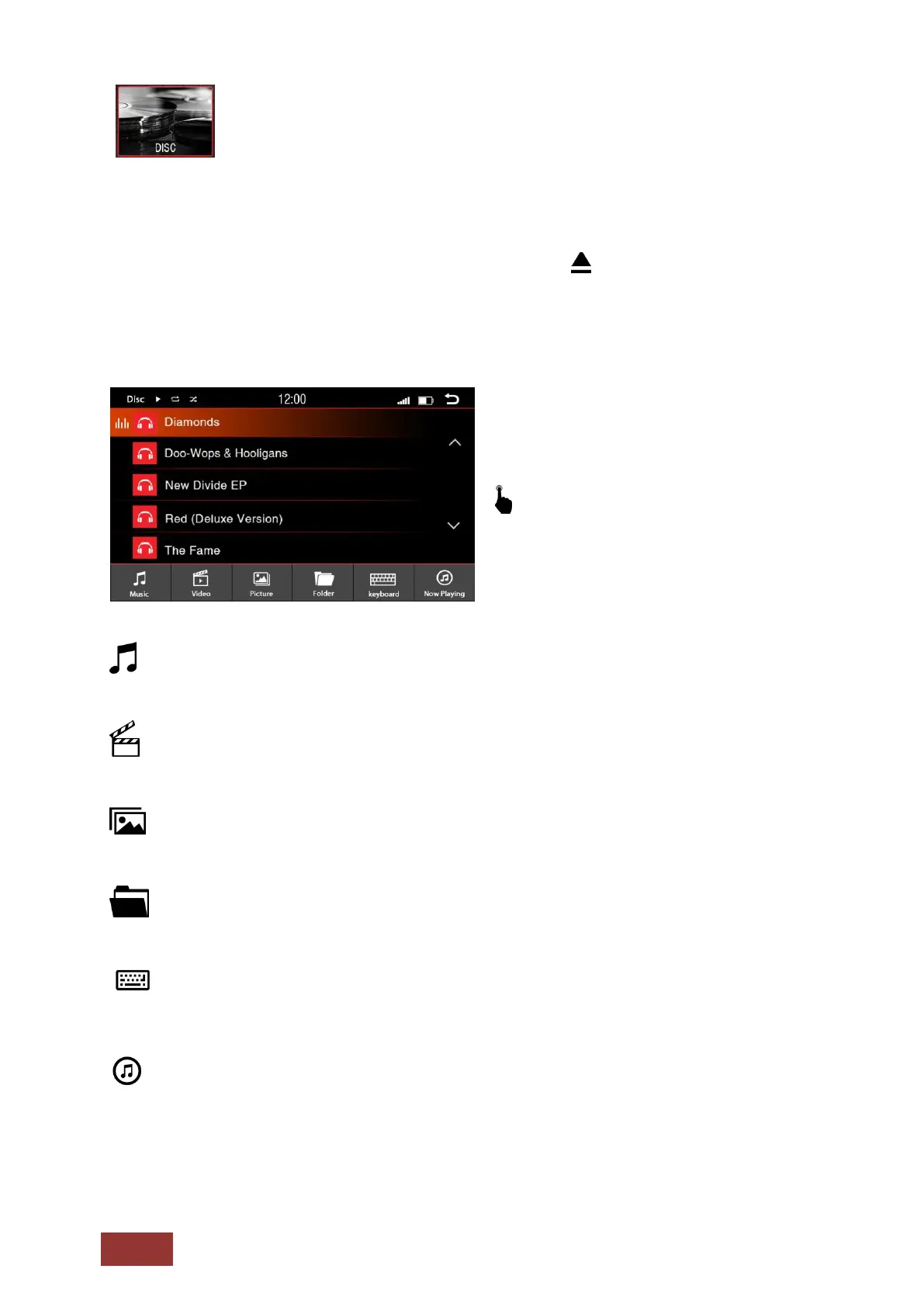
Menu for the music playback via CD / DVD
Tap a button to select the following:
: Opens all music information on the USB media
:
Opens all video files on the USB media
: Opens all image files on the USB media
: Opens all the information of the USB flash drive in a directory structure
: Opens the Input menu to search
Opens the search window with a virtual keyboard.
: Playing



 To Next Page