Phonebook
:
Phonebook
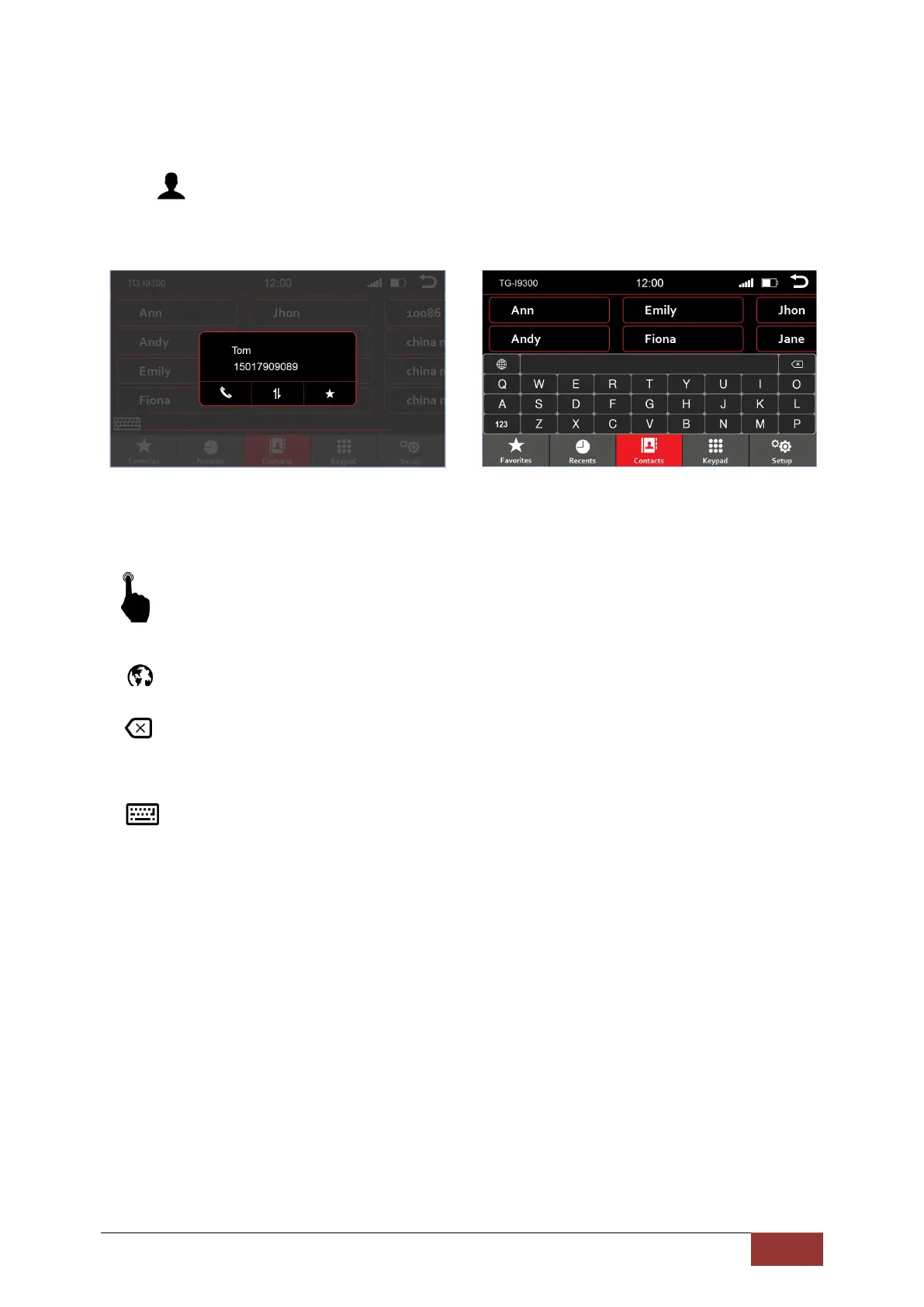
All entries from the contacts on your phone are displayed.
When you select the phonebook option, it will take you directly to the search mode.
By briefly pressing the function keys, you can select the following.
:
Select the keyboard language
(You have the option between Cyrillic, Greek, Latin)
: Delete the last entry
123
: Switch between numeric / special characters and letters
: Show and hide the keyboard
Touching one of the letters or symbols of the on-screen virtual keyboard will initiate a search function
and will be presented on the top line.
Here you can search by name or phone number. The selection of the contacts found will be shown
immediately.
If you select a contact, it will be displayed in a new window.



 To Next Page