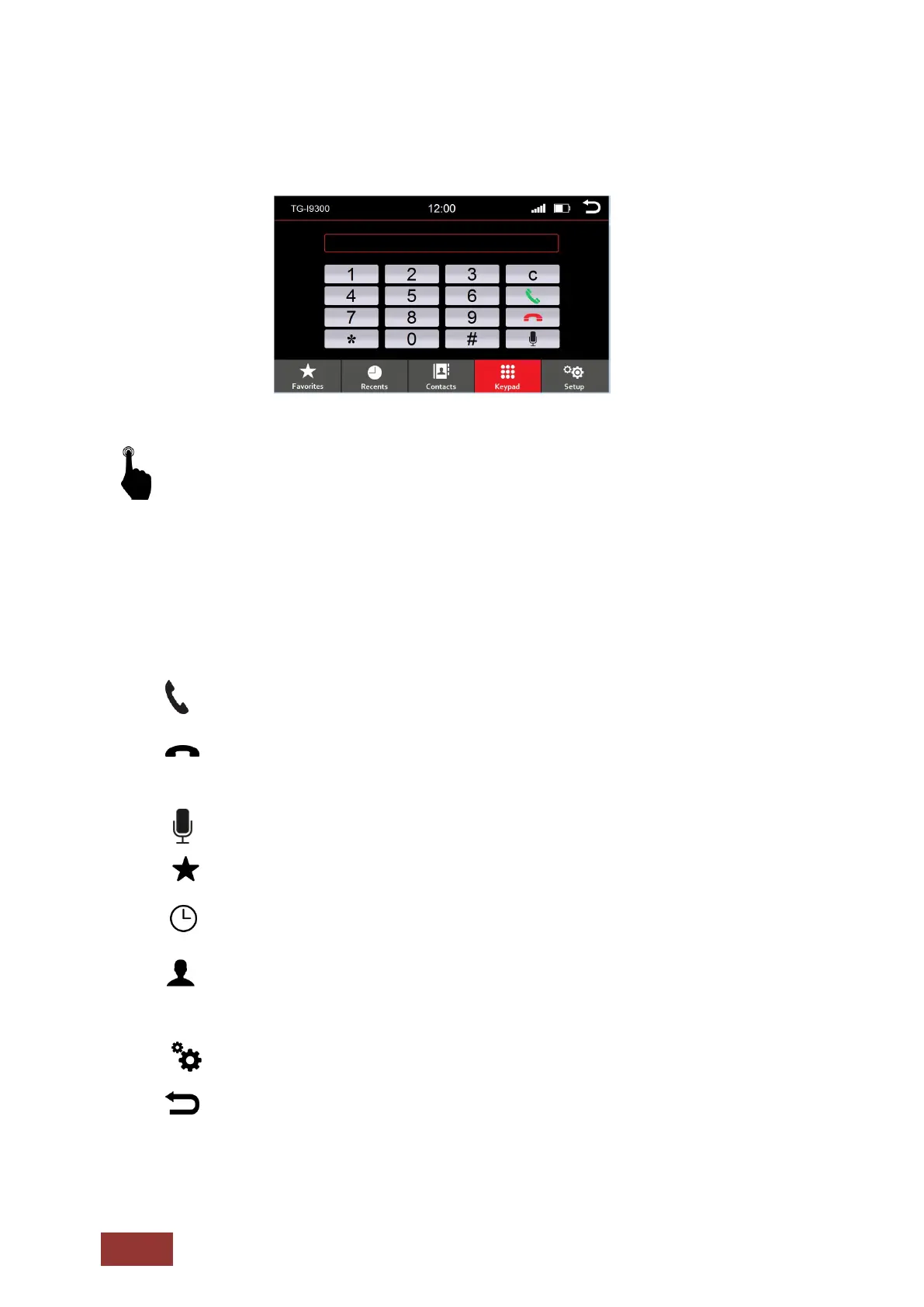
Button Functions (Phone Menu)
To access the Phone function, select the Phone icon in the Main Menu or press the physical
radio button on the front panel of the unit (if available).
C
:
Delete input
Each time you press the button, the last digit is the
deleted entered numbers
Answering a call
Accept incoming calls or call the selected numbers.
:
Hang up call
End calls or reject incoming calls.
: Voice call
: Calling Favorites
:
Call History
Here are the most recent incoming and outgoing calls appropriate
: Phonebook
Here are all the entries from the phonebook of your mobile phone
displayed. When they were transferred.
: Bluetooth® setting
: Back to main menu



 To Next Page