iPod® Function
To access the iPod® function, tap the iPod ® icon on the Main Menu or press the physical button on
the front panel labeled iPOD® (if available).
You can only enter this menu if you have connected an iPod® to the unit via USB.
Use only USB to iPod® cables by Apple®. Use of non-Apple® cables may result in malfunction or your
iPod® will be unable to connect to the unit.
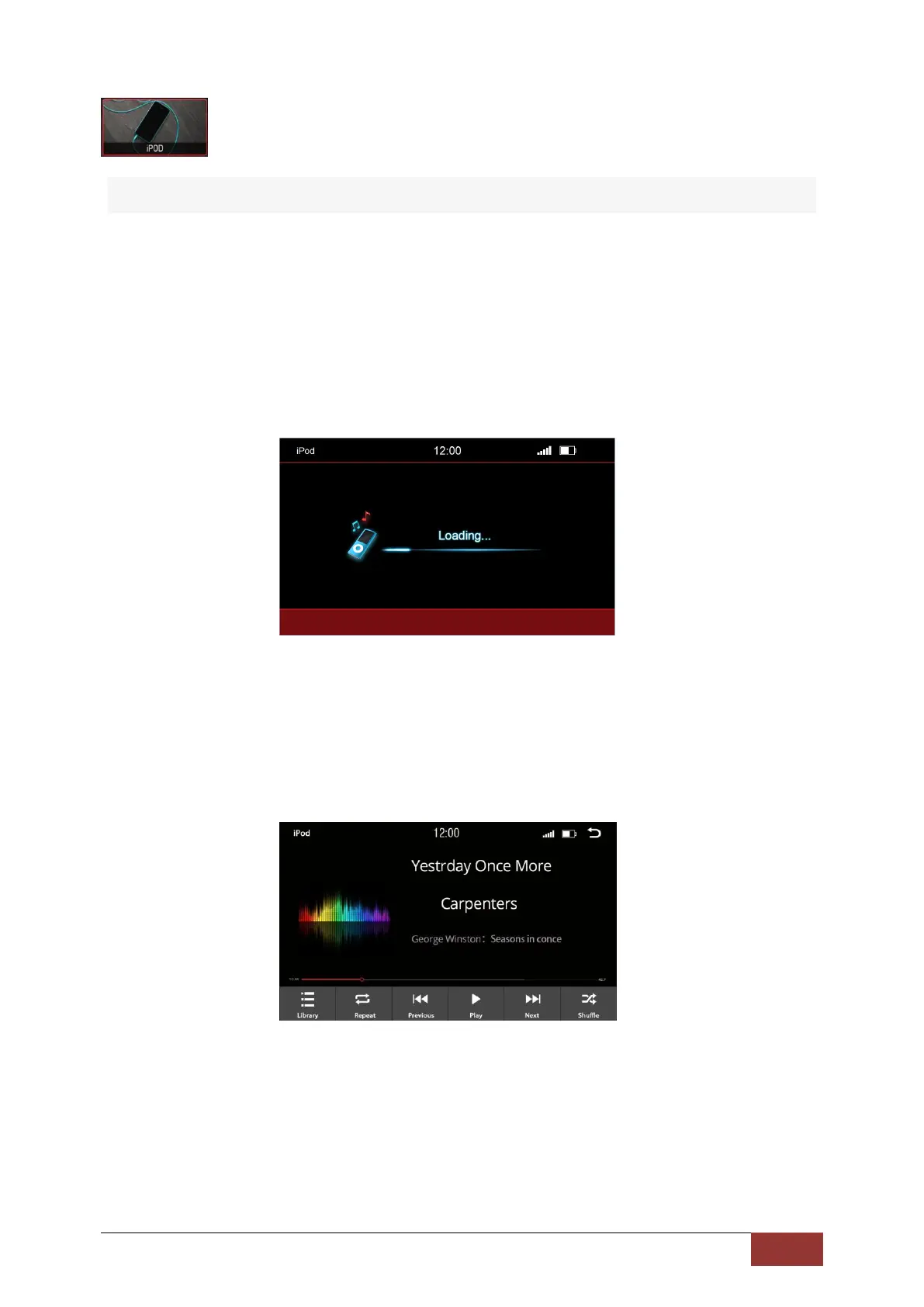
After pressing the iPod button, the home screen will open and display the contents of the iPod®. The
iPod® will begin charging automatically. Depending on the size and amount of data, this can take a
few seconds.
After the iPod® has finished loading, the playback interface will appear on the screen.
You can run almost all the options just as you would from your iPod® screen.



 To Next Page