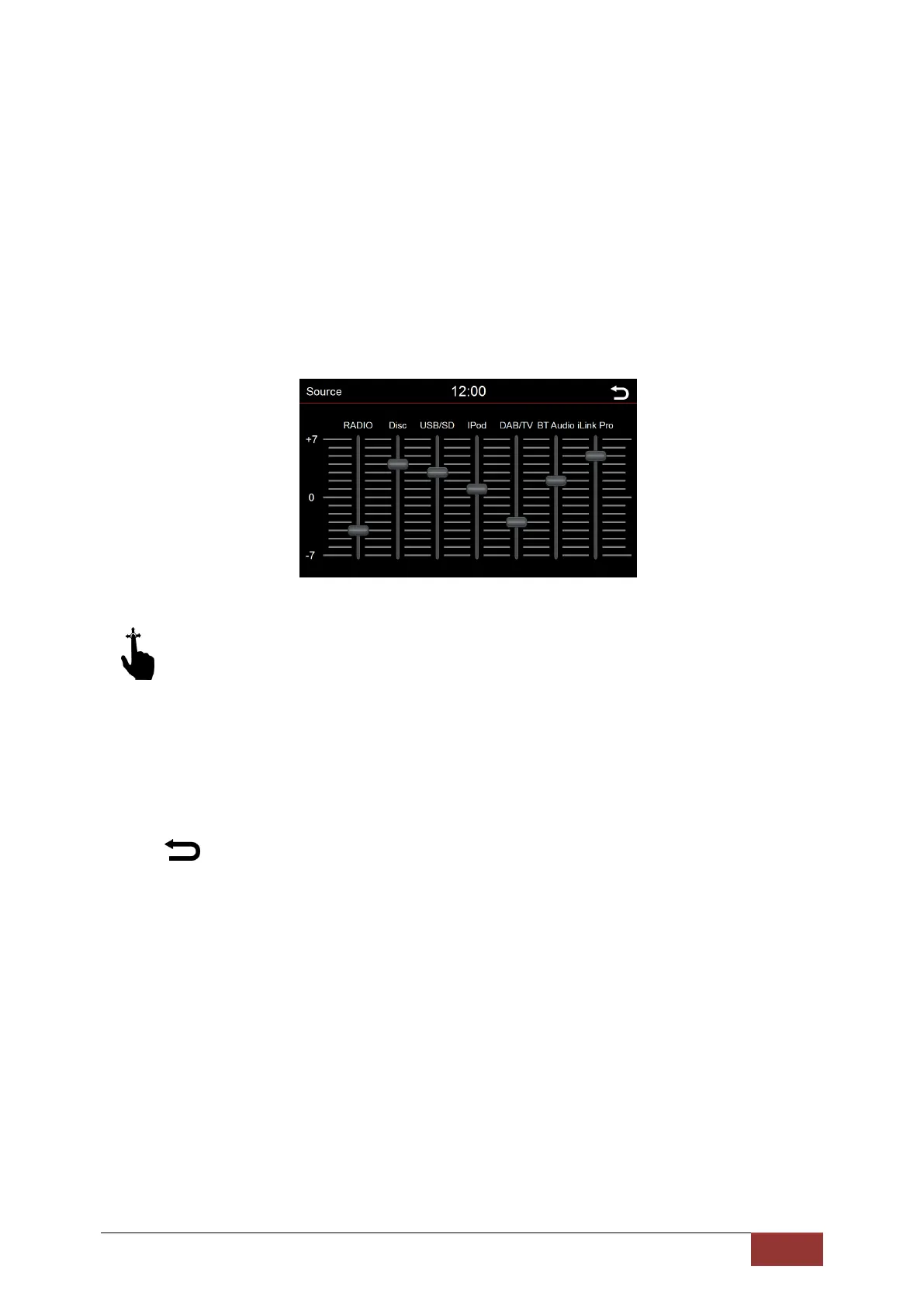
Source
In this menu, you can set the volume level of specific audio sources.
If the scroll bar is in the 0 position, the volume is set by the volume control.
In the areas above or below 0, the volume is automatically adjusted by the set value.
With an up and down scrolling motion, you can adjust the scroll bar to the desired position.
To do this, press the scroll bar. If the blue bar turns red, then that controller is selected
.
: Press this button to return to the previous menu.



 To Next Page