Folder Options
This option is used to copy or transfer files from storage media to the internal memory.
You can only copy files from an SD card which must be inserted in the MMC slot.
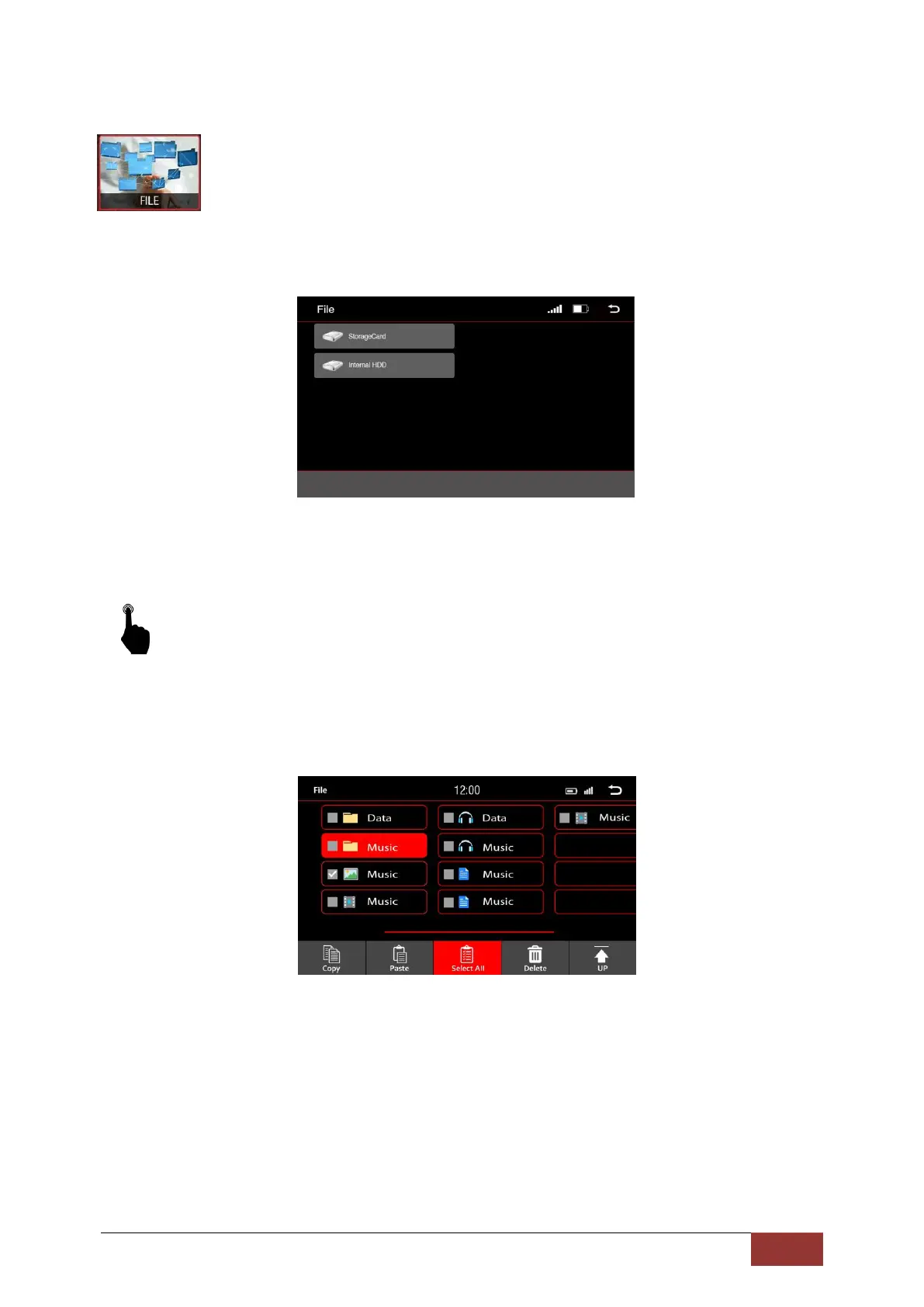
On the Main Menu, select the File icon with a short press. Then, select Storage Card.
It will display a list of all files on the card. These are displayed in a folder structure.
Like on a PC, you can select files and, using the keyboard shortcuts at the bottom of the screen, you
can copy, paste, or delete files.



 To Next Page