Call History
: Call History
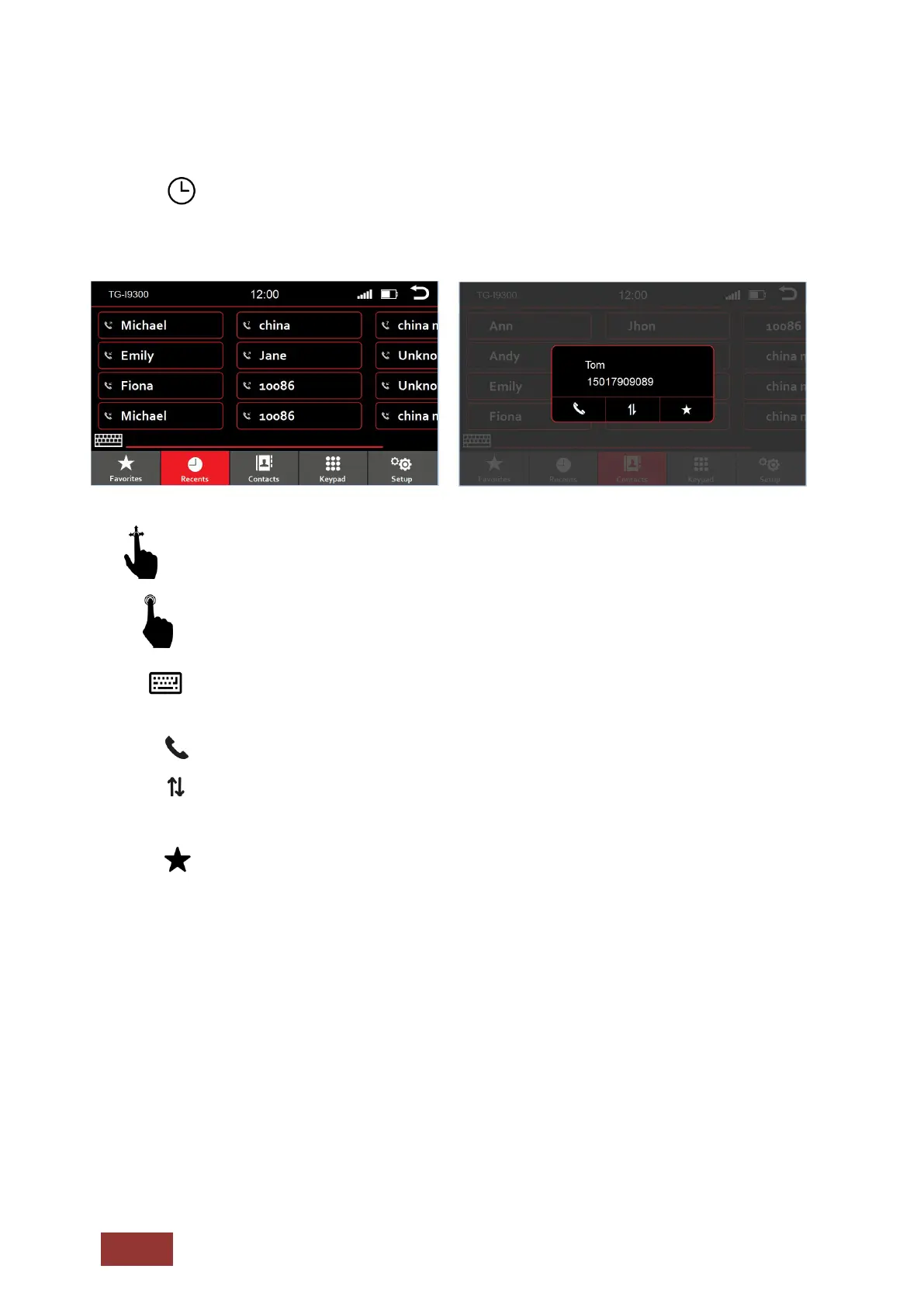
The most recent incoming and outgoing calls will be shown.
Swipe to scroll left or right. All recent contacts will be displayed.
With a short press on the icons you can select the following:
: Show and hide the keyboard
: Call contact
: Select another phone number that is stored under the contact
(Depending on how many numbers you have assigned to a contact.)
: Open Favorites



 To Next Page