SD-Card
To access the SD card function, an SD card must be inserted in the MMC slot on the front panel of the
Dynavin. The card can have a storage capacity of up to 64GB. (Note: Most Dynavin units only require a
micro SD card while others may require a standard SD card or micro SD card with an SD card
adapter.)
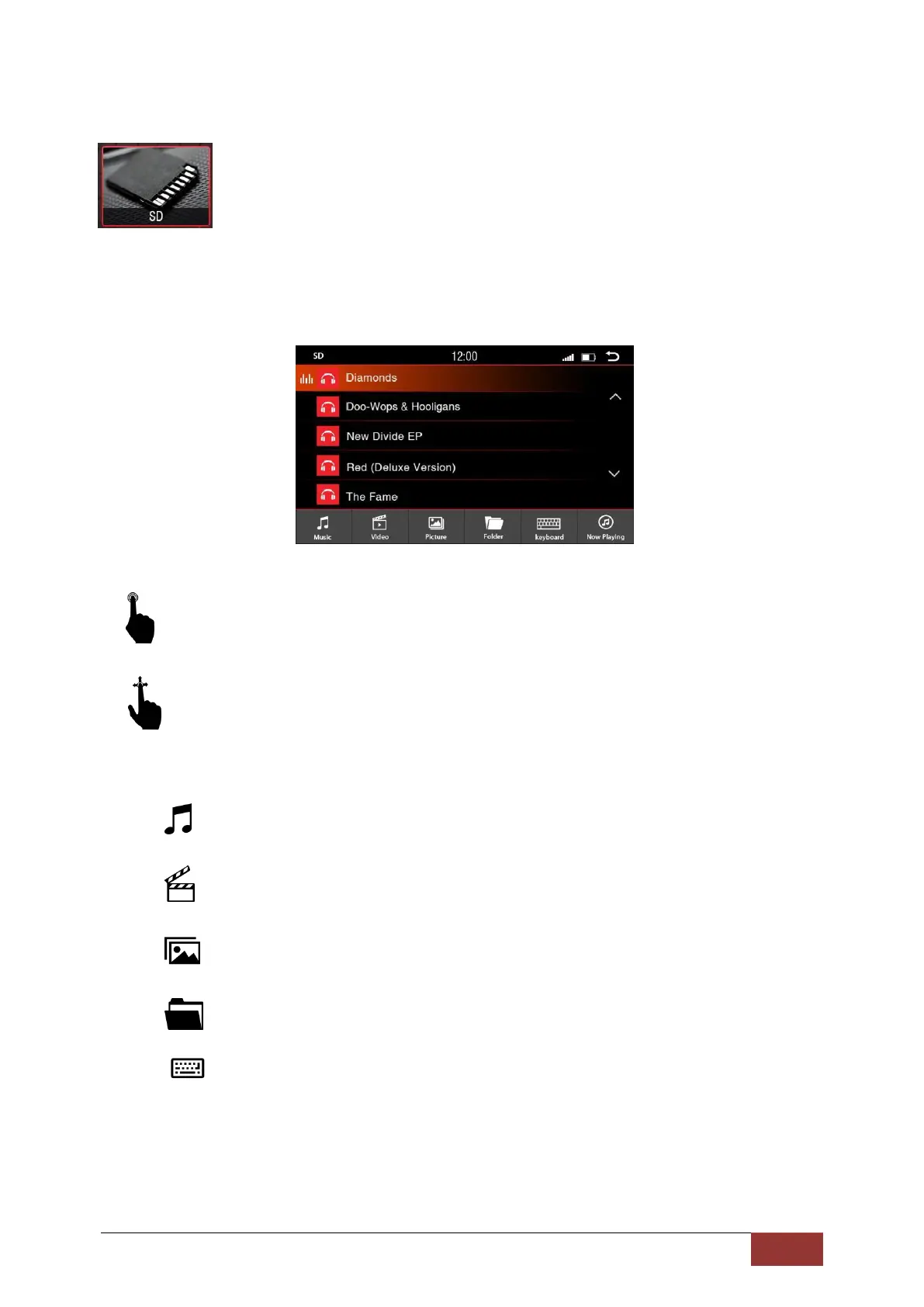
With a short press on the buttons you can select the following:
With an up and down scrolling motion, you can search the songs, artists, or playlists in the
displayed section.
: Opens all music information on the SD media
: Opens all movie files on the SD media
:
Opens all image formations on the SD media
:
Opens all the information of the SD in a directory structure
:
Opens the Input menu to search
Opens the search window with a virtual keyboard.



 To Next Page