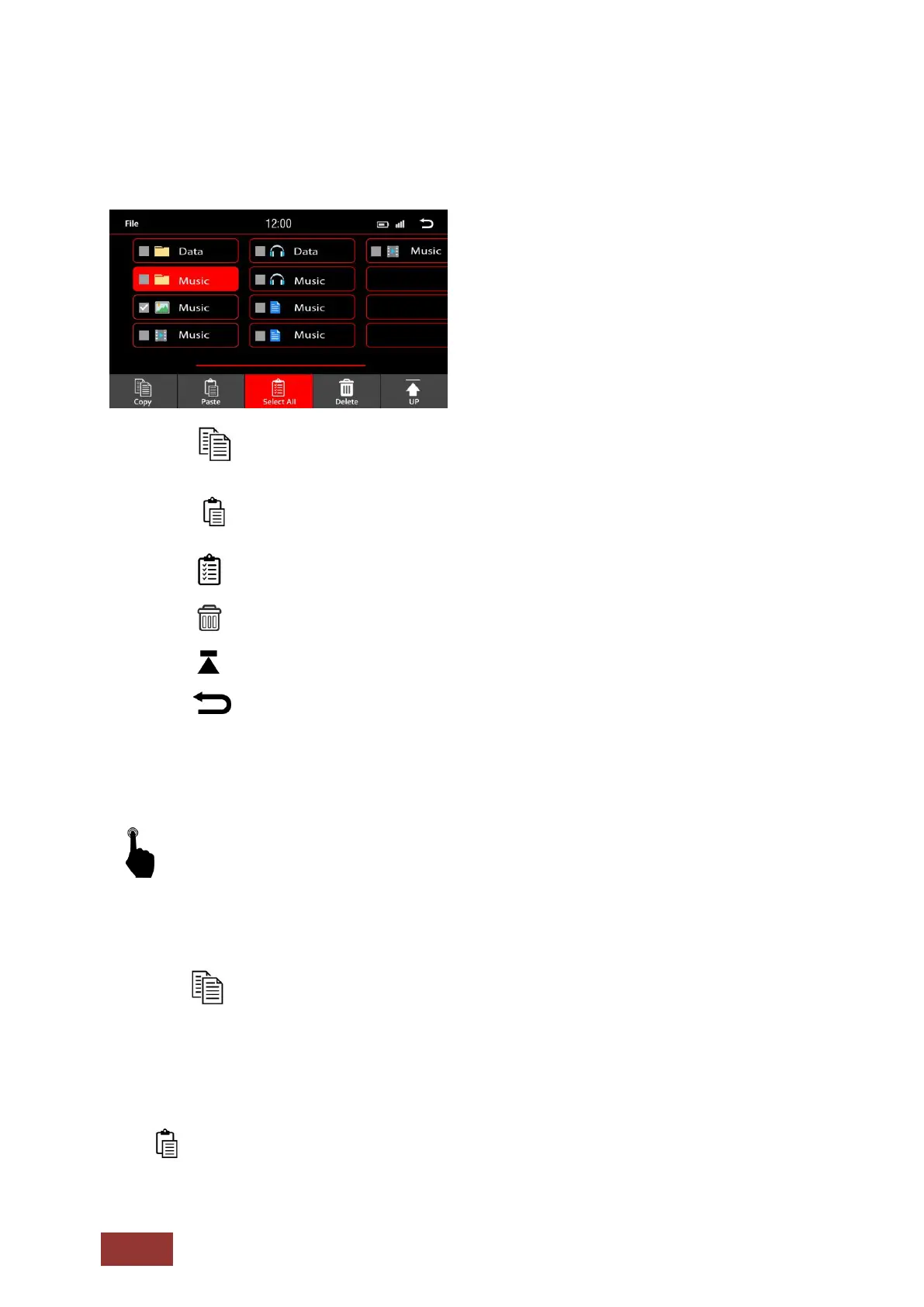
Menu Function
: Copy file
: Paste file
: Choose all files
: Delete selected file
: Back to previous menu
: Back to main menu
Copying Files to Internal memory
Select a file that you would like to copy to the internal memory.
The file will be highlighted as shown above. You can also select multiple files by simply tapping
another file
.
Press the button to copy the files you want to transfer.
Press the Back key until you are in the Main Menu.
Select the HDD icon to access the internal memory.
If you see the directories, you can either choose a subfolder in which to store the selected files are you
can store them into the root folder.
Press to paste the files in the selected folder.



 To Next Page