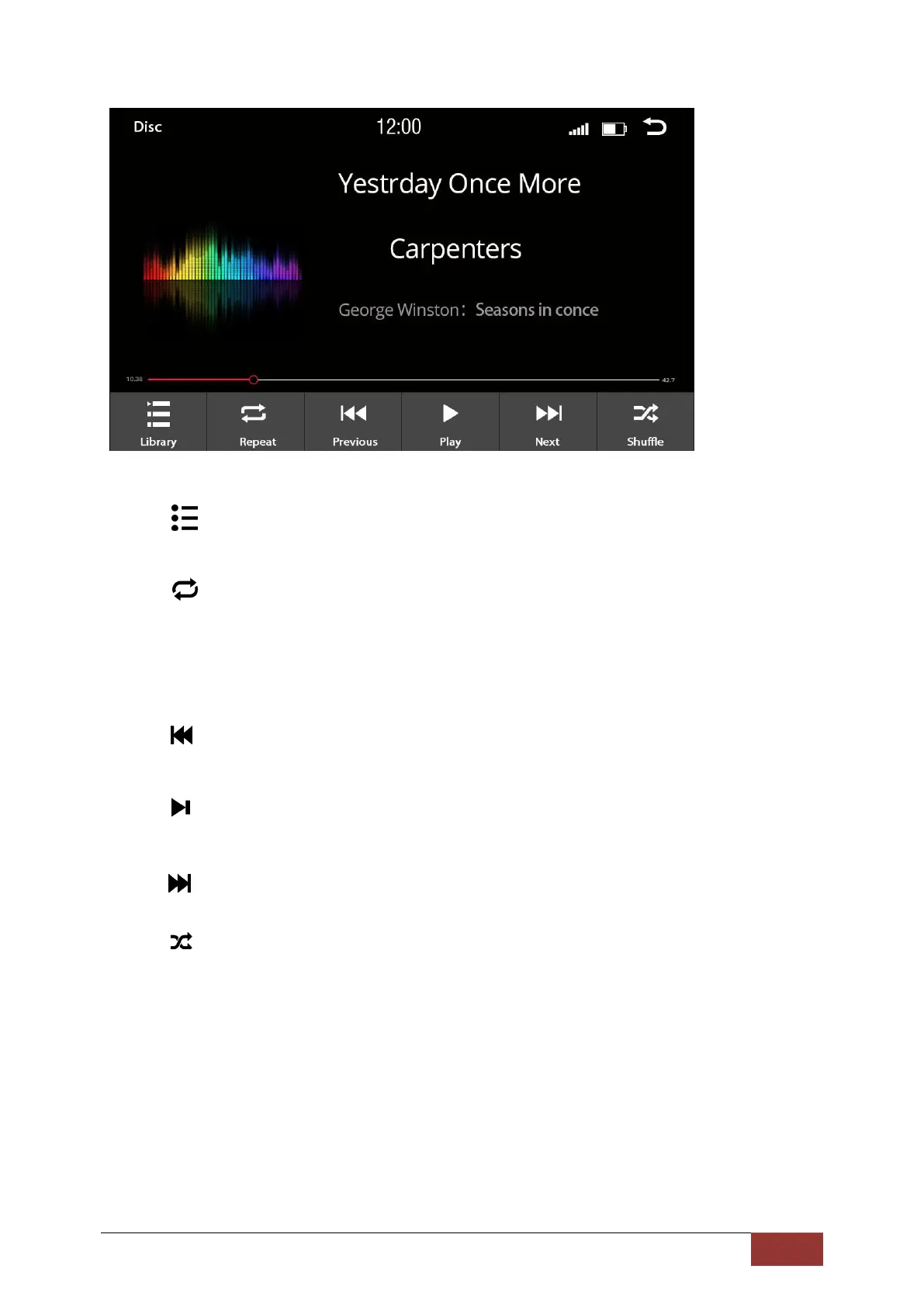
Play list
Repeat
Press once - The song is played once (OFF)
Press twice - The song is repeated until pressed again
The symbol for repeat is displayed in the upper line of the screen when selected.
Previous track
Play / Pause
Next track
Shuffle: In this setting, the songs are played at random from the selected album or
folder. The symbol for Shuffle will be displayed in the upper left corner of the
screen when selected.



 To Next Page