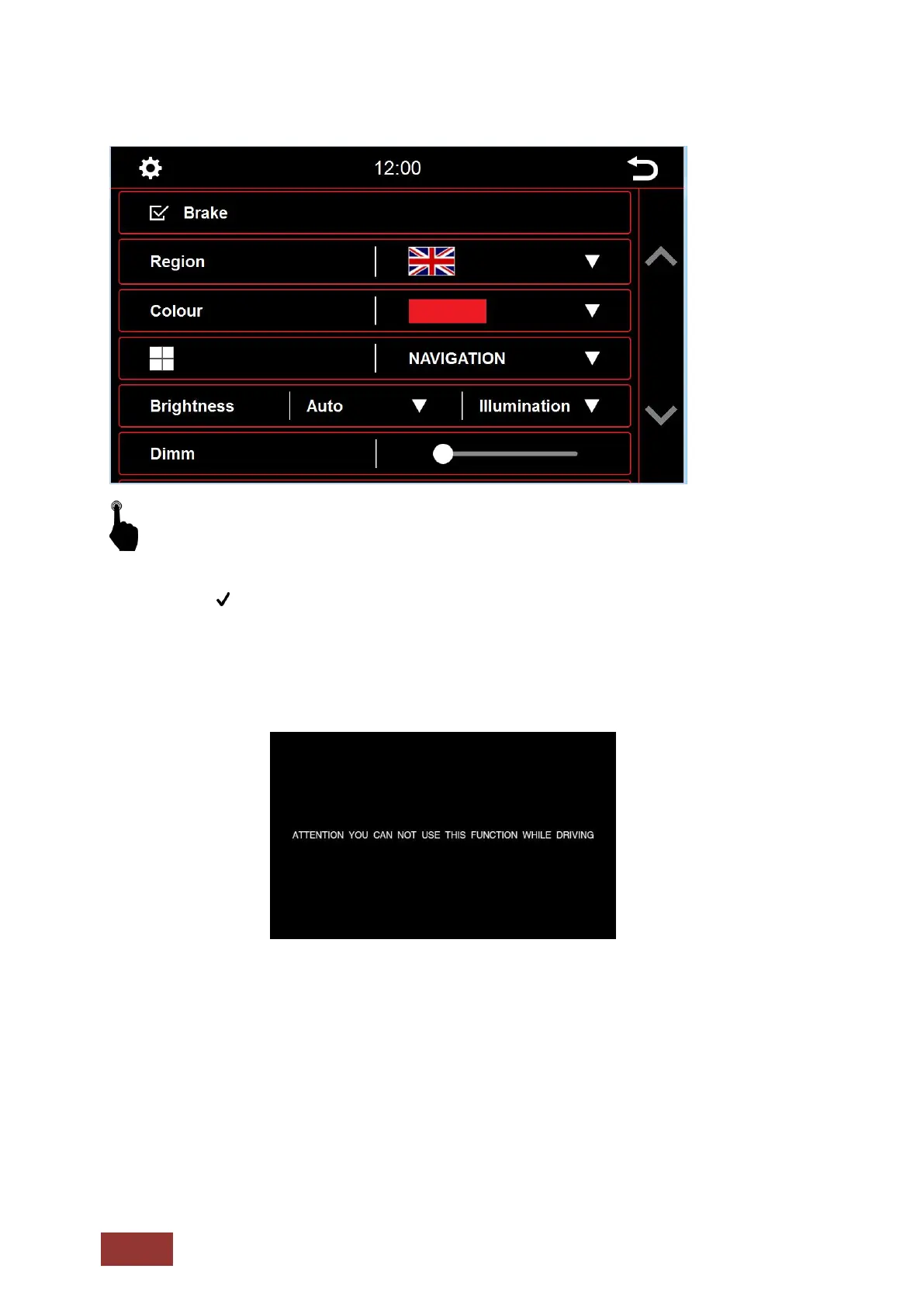
Brake
In the system settings you can change some of the basic options and settings of the device.
Through a brief touch of the box next to the words, the option will be enabled.
A checkmark indicates that the option is selected.
With Brake deselected, video playback or DAB-T will be inhibited so that you are not distracted while
driving.
When you engage the handbrake, the image below will be displayed informing you that video playback
is not allowed while traveling.
If you want to activate the video while traveling, select the Brake option.
Warning:
It is the responsibility of the user to review state and country laws, guidelines and legal regulations. If
you enable this option illegally, this can lead to substantial fines. This is a setting that is not enabled or
recommended for general use of the Dynavin. Dynavin is not responsible for fines aquired. This setting
is only activated by the user and owner and, therefore, the user assumes all responsibility by
activating.



 To Next Page