APPENDIX B
Model 200iX/250iX In Ground Blower Installation
High Pressure Blower Installation Guide
B-6
INSTALLING THE LEFT BLOWER MOUNT
For iXW installation instructions, refer to the In Ground Model 200iPX/250iPX
Motorcycle Dynamometer Installation Guide
P/N 98200074.
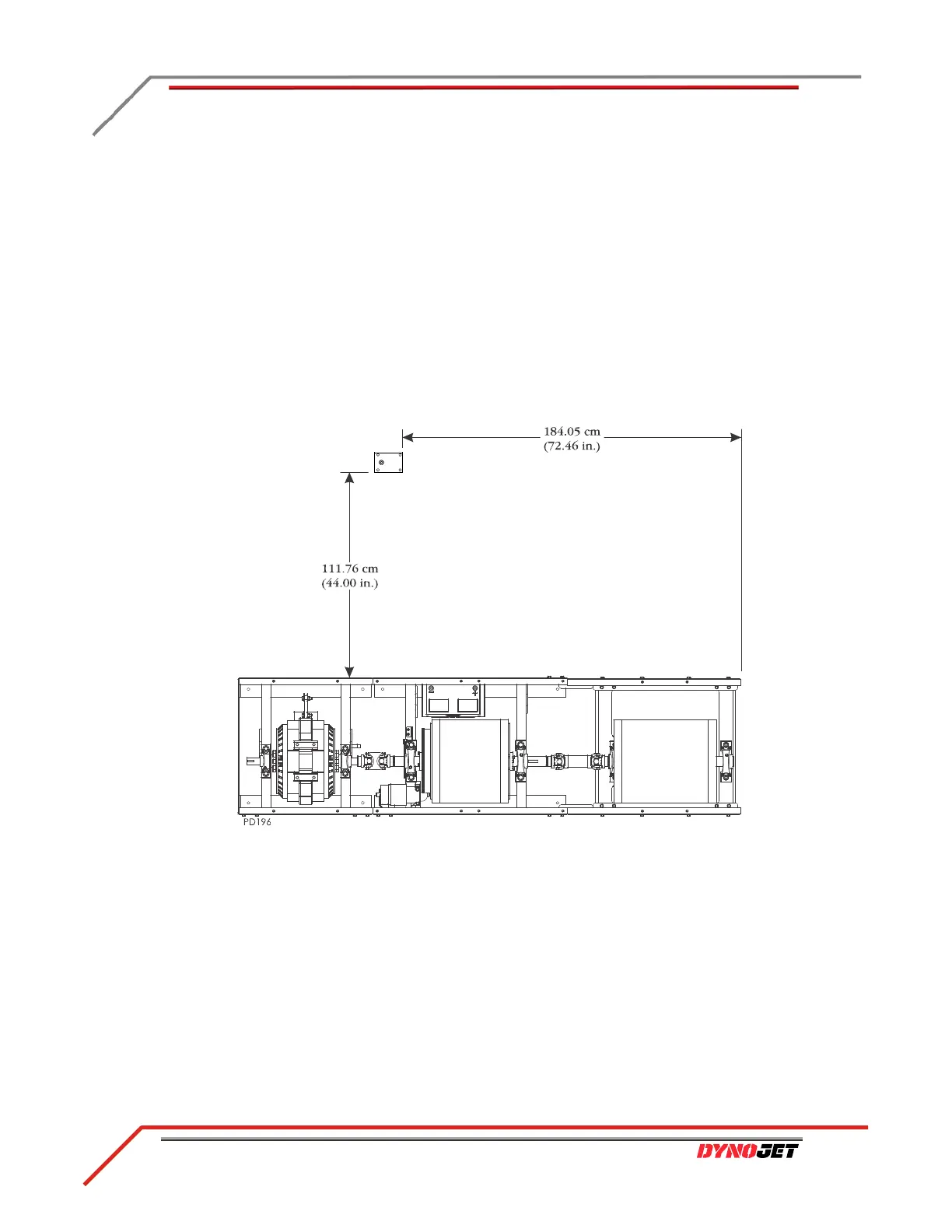
1 Mark the left blower mount placement as shown in Figure B-3.
2 Using the blower mount as a template, mark and drill the four holes needed to
secure the blower mount to the floor.
3 Install the Red Head anchors. Refer to Appendix A for installation instructions.
4 Place the blower mount where you installed the Red Head anchors.
5 Secure the blower mount (along with the monitor support arm and junction box)
to the pit floor using four 3/8 x 1-inch bolts and four washers. The left blower
mount is secured under the support arm.
Figure B-3: Install the Left Blower Mount



 To Next Page