Chapter 2: Player Overview 23
To remove a bookmarked track, press the RPT/
SEL button and a checkmark no longer
appears.
Remove All
Bookmarks
To quickly remove all
bookmarks while in any nav-
igation submenu, press the Menu button.
1. Press the button to select the Navigation
menu.
2. Press the button to select 1. Directory. (Or
select you can select submenu 2 or 3 also).
3. Press and hold the RPT/SEL button.
4. A message appears on the LCD, use the
button to highlight Ye s and press the RPT/SEL
button.
5. All bookmarks are removed. Note, to cancel the
removal, select No.
Bookmark
Mode
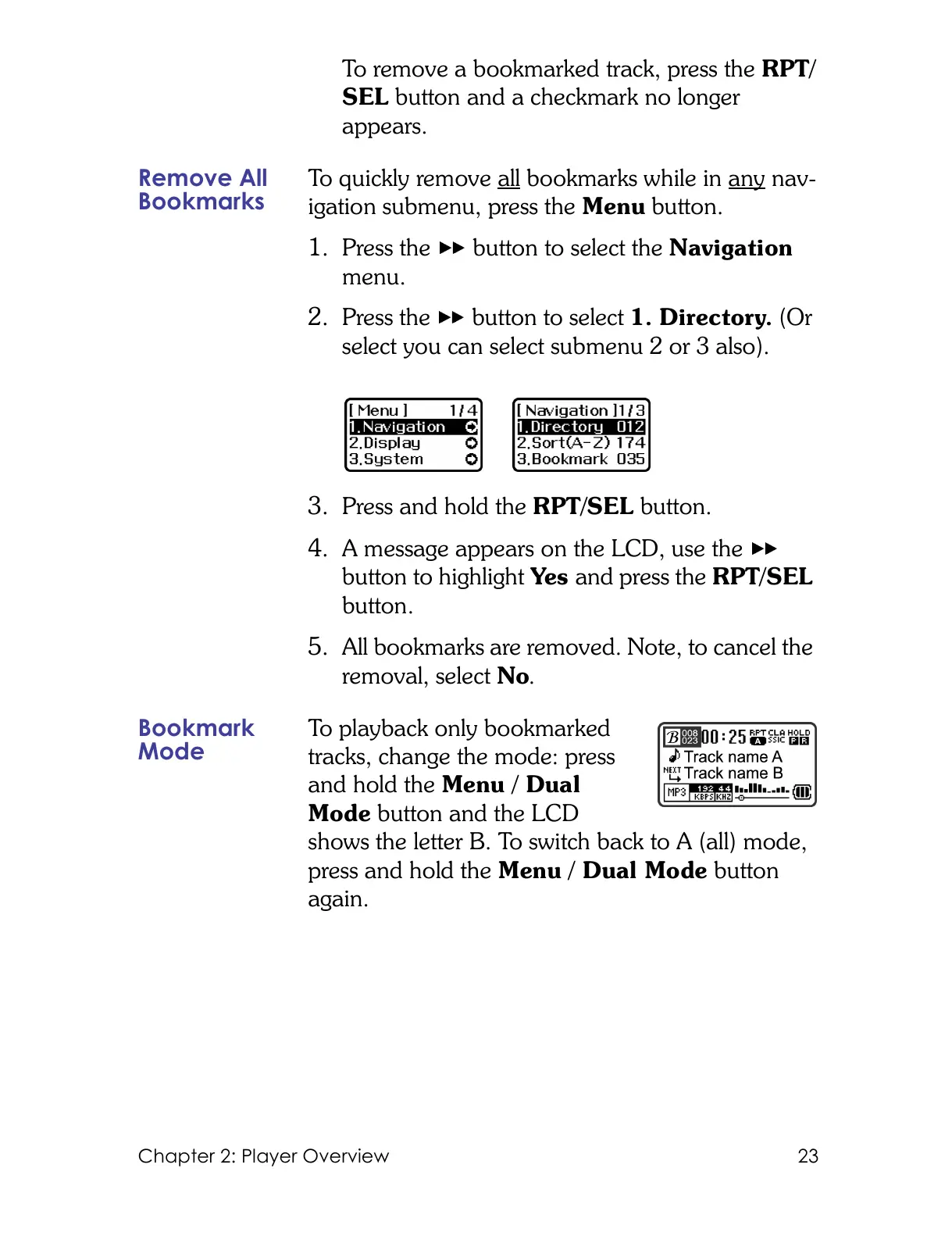
To playback only bookmarked
tracks, change the mode: press
and hold the Menu / Dual
Mode button and the LCD
shows the letter B. To switch back to A (all) mode,
press and hold the Menu / Dual Mode button
again.



 To Next Page