34 © e.Digital Corporation Silhouette User’s Guide
1. Press the button to highlight 3. System and
press to select it.
2. Press the button to highlight 3. REW/FWD
and press to select it.
3. Use the and buttons to display the desired
option.
4. Once the option is displayed, press the RPT/
SEL button to select it and return to the previ-
ous menu.
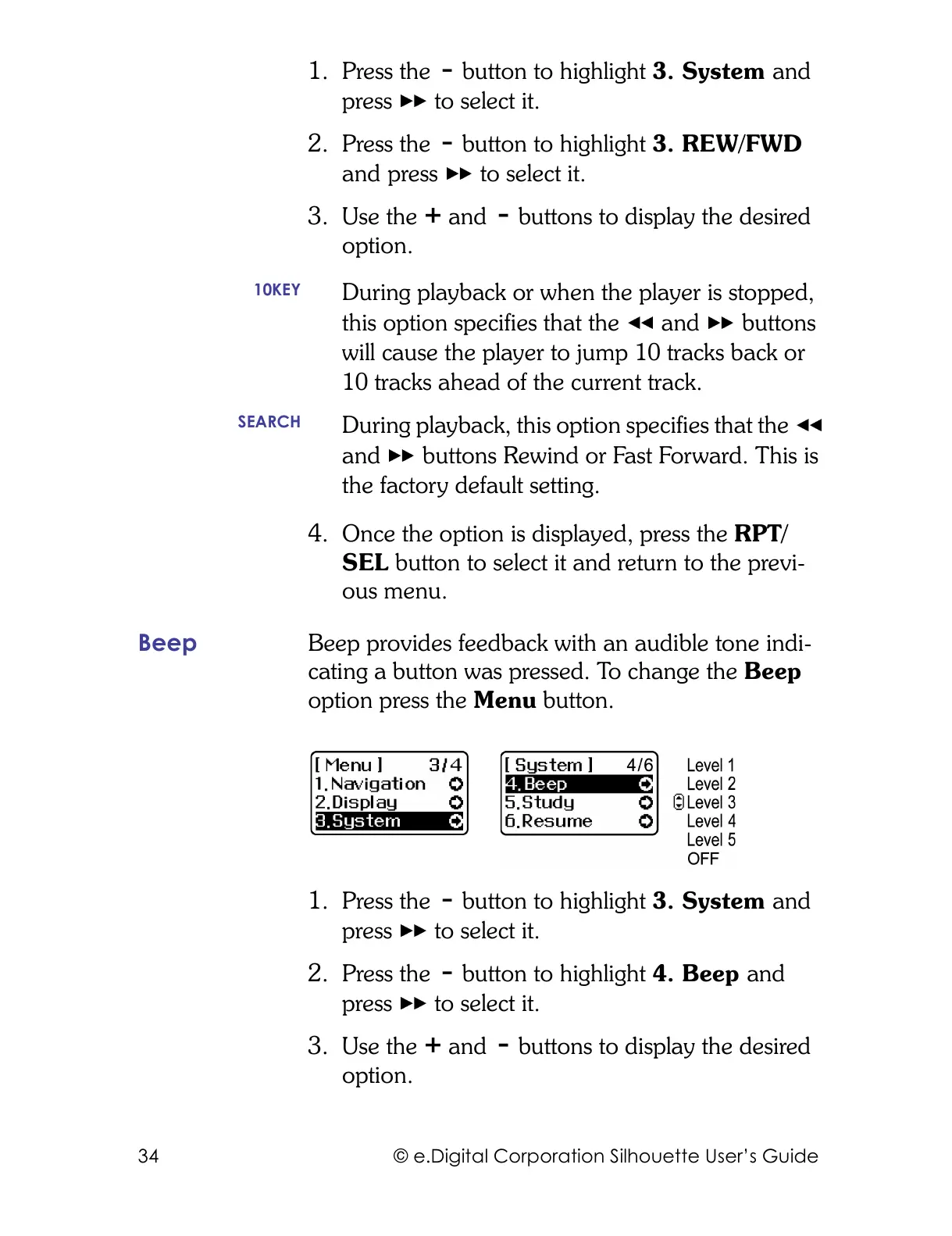
Beep Beep provides feedback with an audible tone indi-
cating a button was pressed. To change the Beep
option press the Menu button.
1. Press the button to highlight 3. System and
press to select it.
2. Press the button to highlight 4. Beep and
press to select it.
3. Use the and buttons to display the desired
option.
10KEY
During playback or when the player is stopped,
this option specifies that the and buttons
will cause the player to jump 10 tracks back or
10 tracks ahead of the current track.
SEARCH
During playback, this option specifies that the
and buttons Rewind or Fast Forward. This is
the factory default setting.



 To Next Page