28 © e.Digital Corporation Silhouette User’s Guide
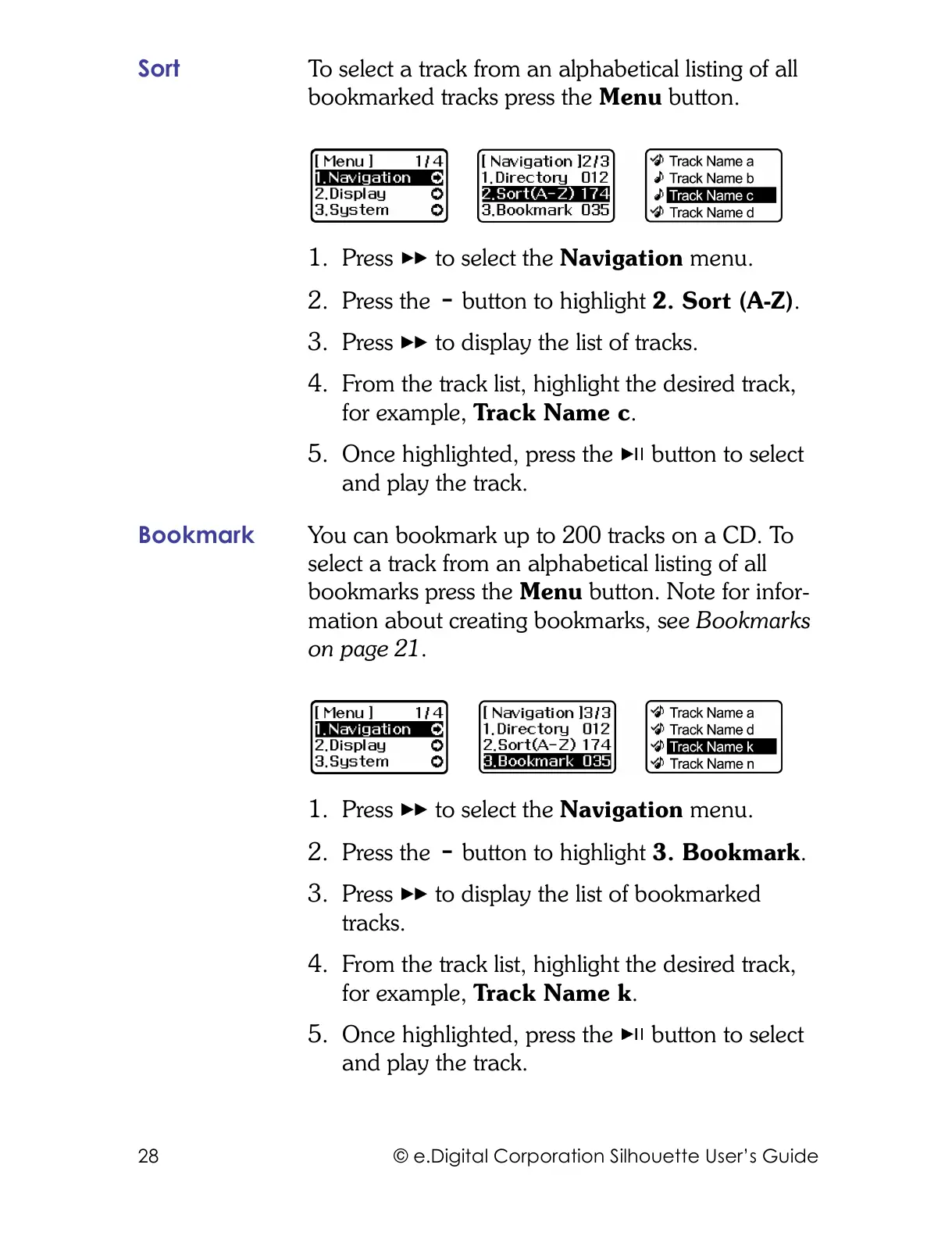
Sort To select a track from an alphabetical listing of all
bookmarked tracks press the Menu button.
1. Press to select the Navigation menu.
2. Press the button to highlight 2. Sort (A-Z).
3. Press to display the list of tracks.
4. From the track list, highlight the desired track,
for example, Track Name c.
5. Once highlighted, press the button to select
and play the track.
Bookmark You can bookmark up to 200 tracks on a CD. To
select a track from an alphabetical listing of all
bookmarks press the Menu button. Note for infor-
mation about creating bookmarks, see Bookmarks
on page 21.
1. Press to select the Navigation menu.
2. Press the button to highlight 3. Bookmark.
3. Press to display the list of bookmarked
tracks.
4. From the track list, highlight the desired track,
for example, Track Name k.
5. Once highlighted, press the button to select
and play the track.



 To Next Page