2 © e.Digital Corporation Silhouette User’s Guide
USAGE ROADMAP
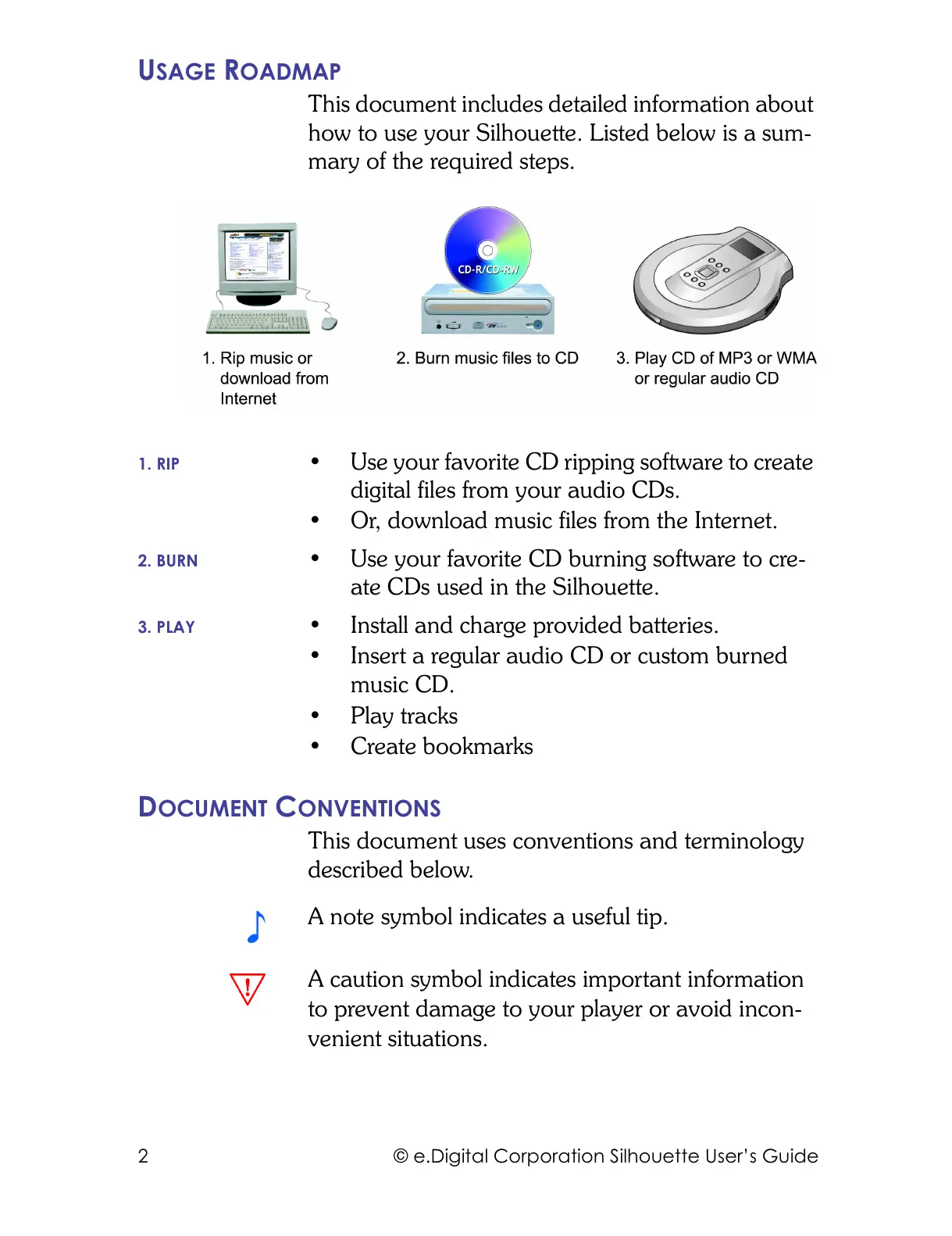
This document includes detailed information about
how to use your Silhouette. Listed below is a sum-
mary of the required steps.
1. RIP • Use your favorite CD ripping software to create
digital files from your audio CDs.
• Or, download music files from the Internet.
2. BURN • Use your favorite CD burning software to cre-
ate CDs used in the Silhouette.
3. PLAY • Install and charge provided batteries.
• Insert a regular audio CD or custom burned
music CD.
• Play tracks
•Create bookmarks
DOCUMENT CONVENTIONS
This document uses conventions and terminology
described below.
A note symbol indicates a useful tip.
A caution symbol indicates important information
to prevent damage to your player or avoid incon-
venient situations.



 To Next Page