30 © e.Digital Corporation Silhouette User’s Guide
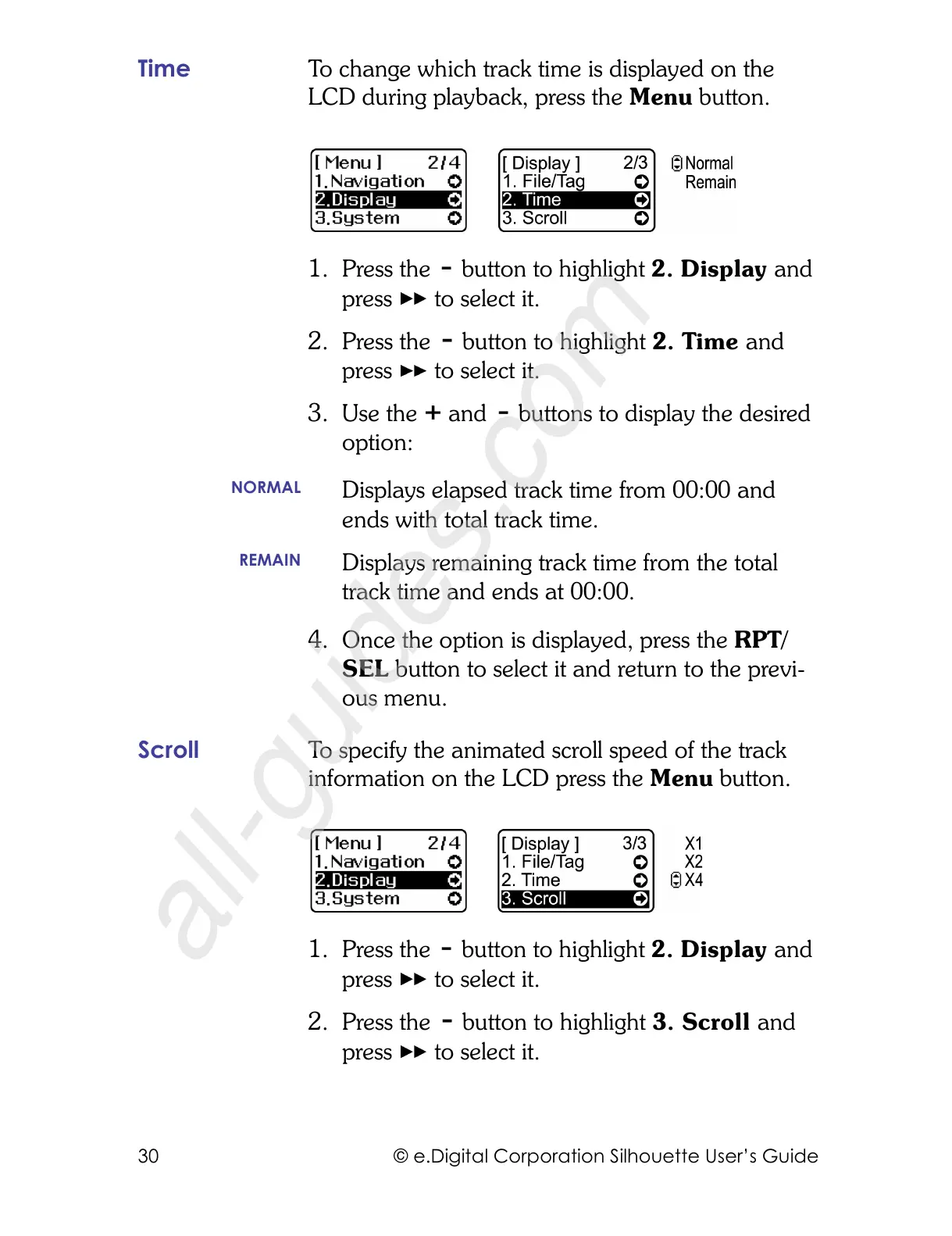
Time To change which track time is displayed on the
LCD during playback, press the Menu button.
1. Press the button to highlight 2. Display and
press to select it.
2. Press the button to highlight 2. Time and
press to select it.
3. Use the and buttons to display the desired
option:
4. Once the option is displayed, press the RPT/
SEL button to select it and return to the previ-
ous menu.
Scroll To specify the animated scroll speed of the track
information on the LCD press the Menu button.
1. Press the button to highlight 2. Display and
press to select it.
2. Press the button to highlight 3. Scroll and
press to select it.
NORMAL
Displays elapsed track time from 00:00 and
ends with total track time.
REMAIN
Displays remaining track time from the total
track time and ends at 00:00.



 To Next Page