Chapter 3: Menu Functions 33
3. Use the and buttons to display the desired
option.
4. Once the option is displayed, press the RPT/
SEL button to select it and return to the previ-
ous menu.
Rew/Fwd As described in Button Presses on page 3 and Play
Music Tracks on page 19, the and buttons
function differently depending on how long you
press the button before you release it.
For example, during playback, a short press and
immediate release of the button goes to the
next track.
However if you press and momentarily hold the
button before releasing it, the player functions dif-
ferently. For example, by default, when you press
and hold the button during playback, the player
will fast forward within the current track.
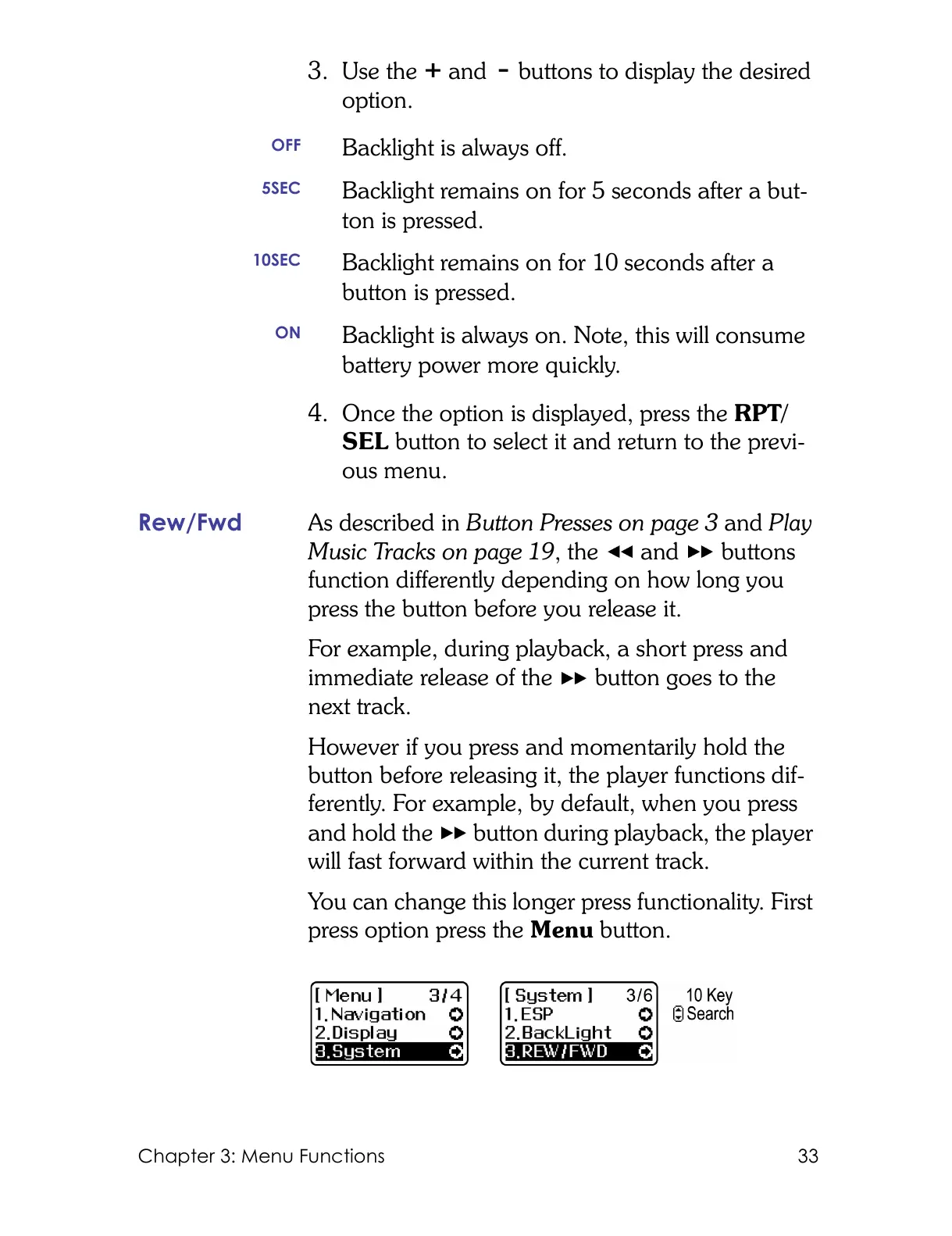
You can change this longer press functionality. First
press option press the Menu button.
OFF
Backlight is always off.
5SEC
Backlight remains on for 5 seconds after a but-
ton is pressed.
10SEC
Backlight remains on for 10 seconds after a
button is pressed.
ON
Backlight is always on. Note, this will consume
battery power more quickly.



 To Next Page