Maintenance
Eaton 9130 700/3000 VA UPS User’s Guide 164201718—Rev 7 www.eaton.com/powerquality 52
Testing New Batteries
To test new batteries:
1. Plug the UPS into a power outlet for 48 hours to charge the batteries.
2. Press any button to activate the menu options.
3. Select CONTROL then START BATTERY TEST.
The UPS starts a battery test if the batteries are fully charged, the UPS is in Normal mode with no active
alarms, and the bypass voltage is acceptable.
During the battery test, the UPS transfers to Battery mode and discharges the batteries for 25 seconds.
The front panel displays “Battery test running” and the percentage of the test completed.
Recycling the Used Battery or UPS
Contact your local recycling or hazardous waste center for information on proper disposal of the used battery
or UPS.
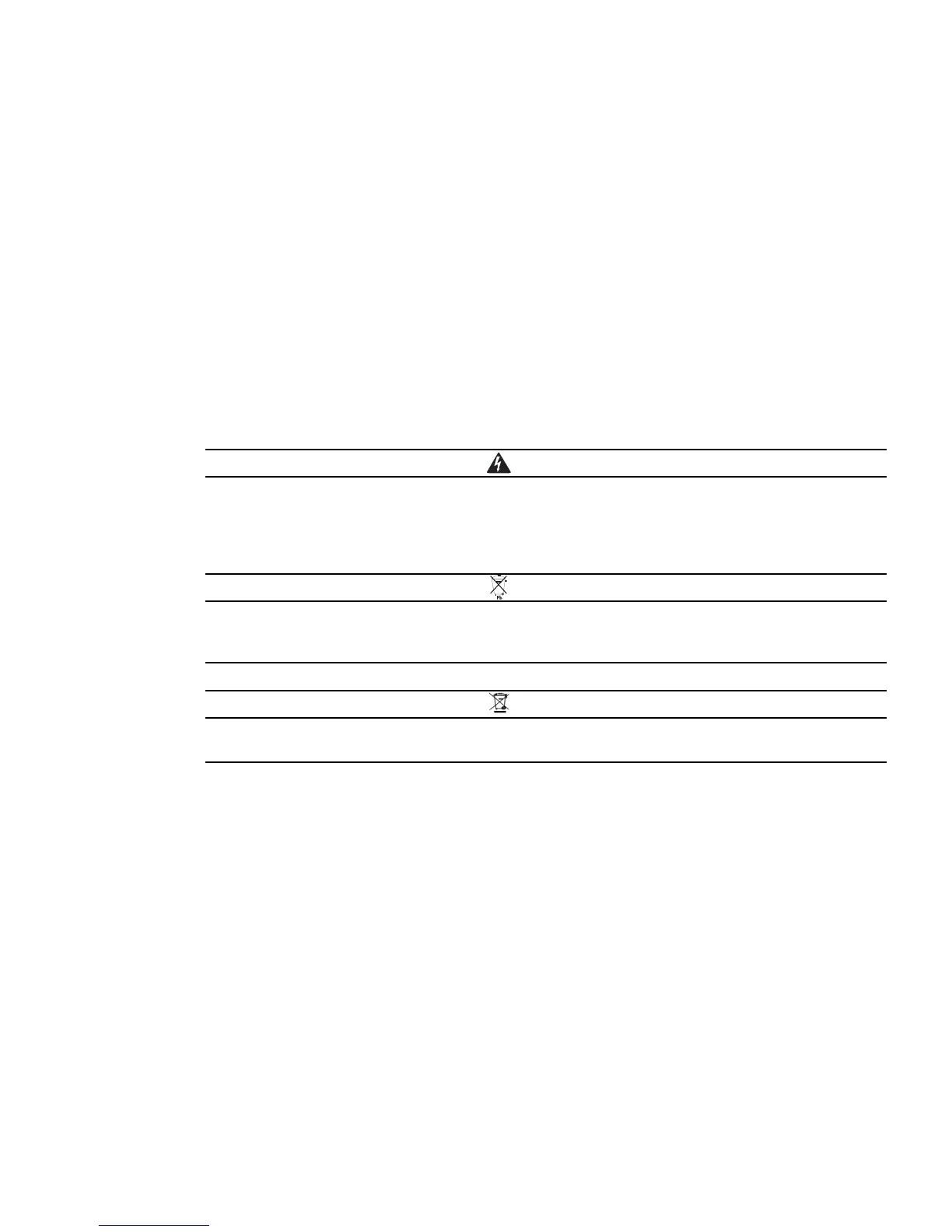
l
Do not dispose of the battery or batteries in a fire. Batteries may explode. Proper disposal of
batteries is required. Refer to your local codes for disposal requirements.
l
Do not open or mutilate the battery or batteries. Released electrolyte is harmful to the skin and
eyes. It may be toxic.
Do not discard the UPS or the UPS batteries in the trash. This product contains sealed, lead–acid
batteries and must be disposed of properly. For more information, contact your local recycling/
reuse or hazardous waste center.
Do not discard waste electrical or electronic equipment (WEEE) in the trash. For proper disposal,
contact your local recycling/reuse or hazardous waste center.
Updating the UPS Firmware
To keep the UPS firmware updated with the latest improvements and benefits, please contact your regional
service team.



 To Next Page