11
FOR YOUR OWN SAFETY
© 2013 EBS
2 All about accessories
Before using charger, make sure it is original charger ATRACK-C – the only
model the device may be charged with.
Note:
Use only the batteries, charger and other accessories approved by The
Manufacturer to work solely with this model of the device.
Using unauthorized appliances voids guarantee for the device and may be
dangerous to user. Turn to your nearest Dealer to learn more about approved
accessories.
3 Device versions
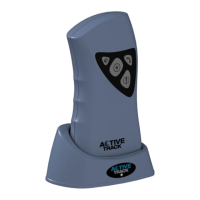
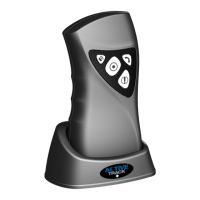
Active Track is manufactured in three versions. Available functions related to RFID
and GPS depends on the model.
· built-in
- lack
4 General information
PIN code
Before first use make sure the device is properly configured. For more
information go to Configuration . Before first use get your SIM card ready: either
set PIN serial code of the device or cancel PIN code request using mobile phone.
Before inserting, make sure PIN card has got PIN code set on “1111” because
originally the device has got PIN code set on “1111”.
21


 To Next Page