32
Active Track (beta version)
© 2013 EBS
OSM.2007 via GPRS. During programming procedure (with GPRS link- See above) a
question will be displayed if user wants to use a modem connected to the server.
After confirmation procedure will follow as in case of other programming channels.
9.2.2.6 File -> Archiving
All configuration settings including reread from devices and saved on devices are to
be automatically saved on hard disc. If during installation on configuring tool settings
have not been changed, files will be saved as follows:
C:\Program Files\ EBS\KonfiguratorLX\configs\Active Track_80000
Catalog Active Track_80000 contains all files in respect of Active Track with factory
number of 80000 programming. The name contains date and time of operation and
its type (saving/ reading). Files have CMI extension.
9.2.2.7 File -> Exit
Finishes program operation.
9.2.2.8 Operations -> Read
Function reads data saved in memory of GPRS module. Exchange of data follows on
port selected in section “Select Connection Type” (See below description of option
”Configuration”). Correct reading is confirmed with message on a screen. Data
downloaded from device may be saved on file (see clause 6.3.3) and use for other
devices.
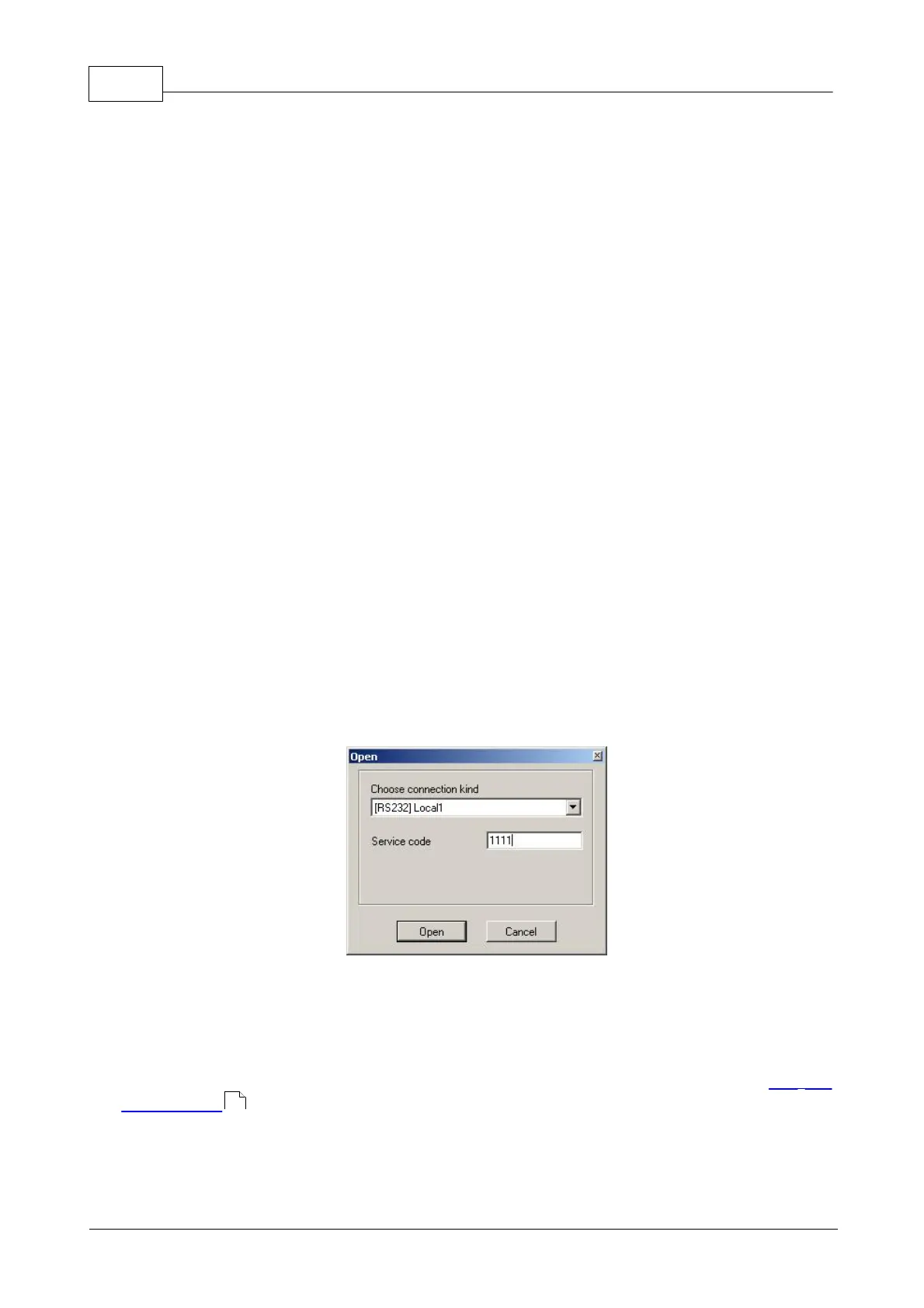
To use this function it is necessary to define type and parameters of connection. E.g.
for local connection the following view is displayed:
where:
Connection kind - serial port to which module is connected
Access code- service code of transmitter
Detailed description of connections configuration is included in clause File ->
Connections .
29



 To Next Page