General information Read only!
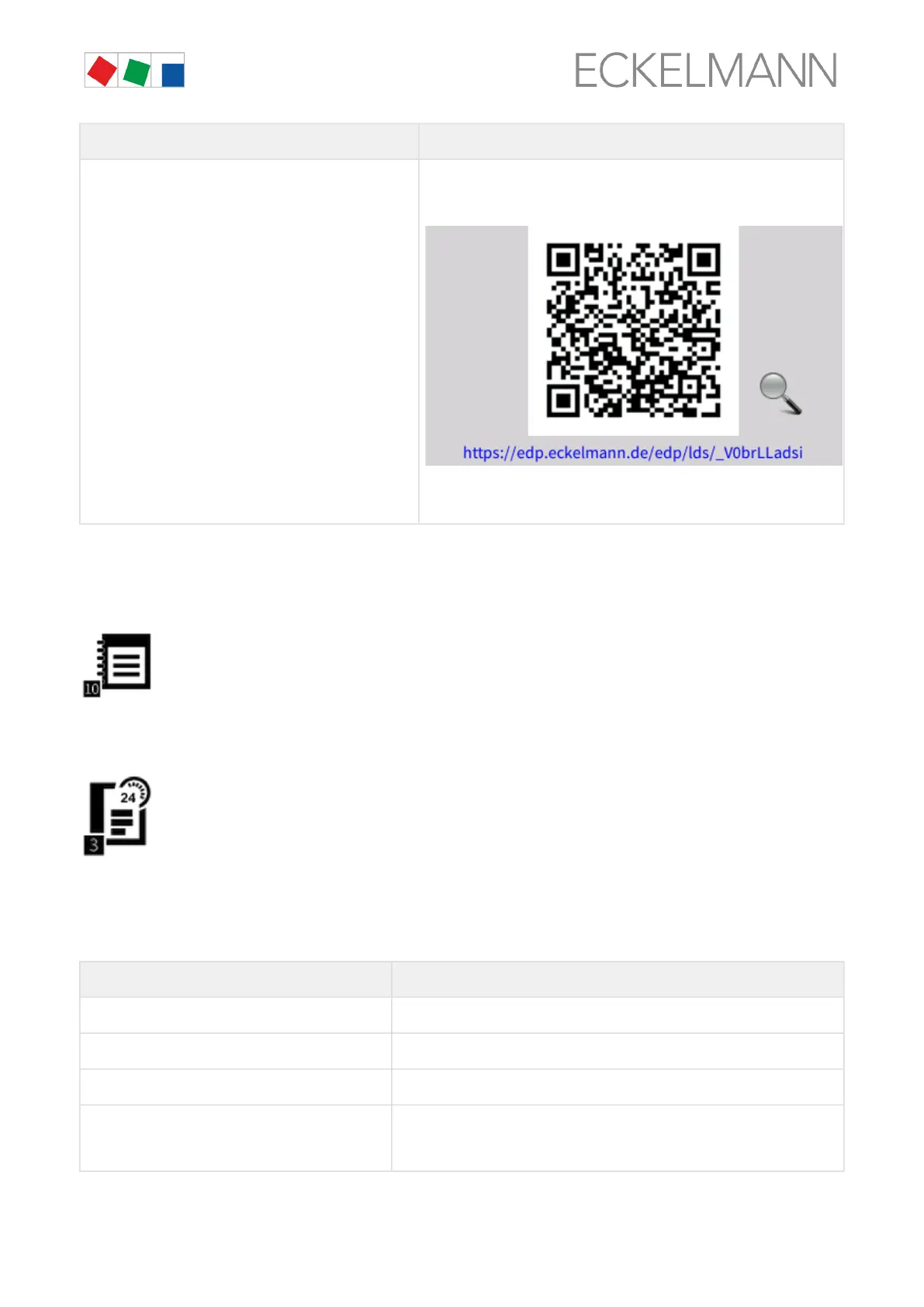
"Information for open source software" button
QR code with specification of the hyperlink where further information about
the use of Open Source software components (Licence Reports) is
described in detail for the present product:
Link to E°EDP of Eckelmann AG: https://edp.eckelmann.de/edp/lds/
_V0brLLadsi
10 Menu 2-10 - Log
Usingthisbutton,theentriesfortheinstallationstoredwiththeLDSWinPCsoftware(e.g.last
service, cleaning, refrigerant etc.) are displayed.
3 Menu 3 - 24h List, page 97
Display of the 24h list. All temperature sensors without exception of the case controllers (E*LDS
products and integrated external controllers) located in the E*LDS system are listed here together with their
hourly temperature average value. All case controllers can be considered within one day by tapping the up/
down buttons. Tapping on a row shows a graphical display of the day. Individual days can be changed between
by tapping the left/right buttons.
The screen contains the following parameters:
24 h list
Date Date of the 24h list
Position Position designation of the case controller
Sensor Designation of the temperature sensor
8 hours time range Columns of the displayed 8 hours time range with status indication
The following times are displayed in detail in the columns:
00:00 to 07:00, 08:00 to 15:00 or 16:00 to 23:00


 To Next Page