112
2. Registering, correcting or deleting a memory point
Point registration
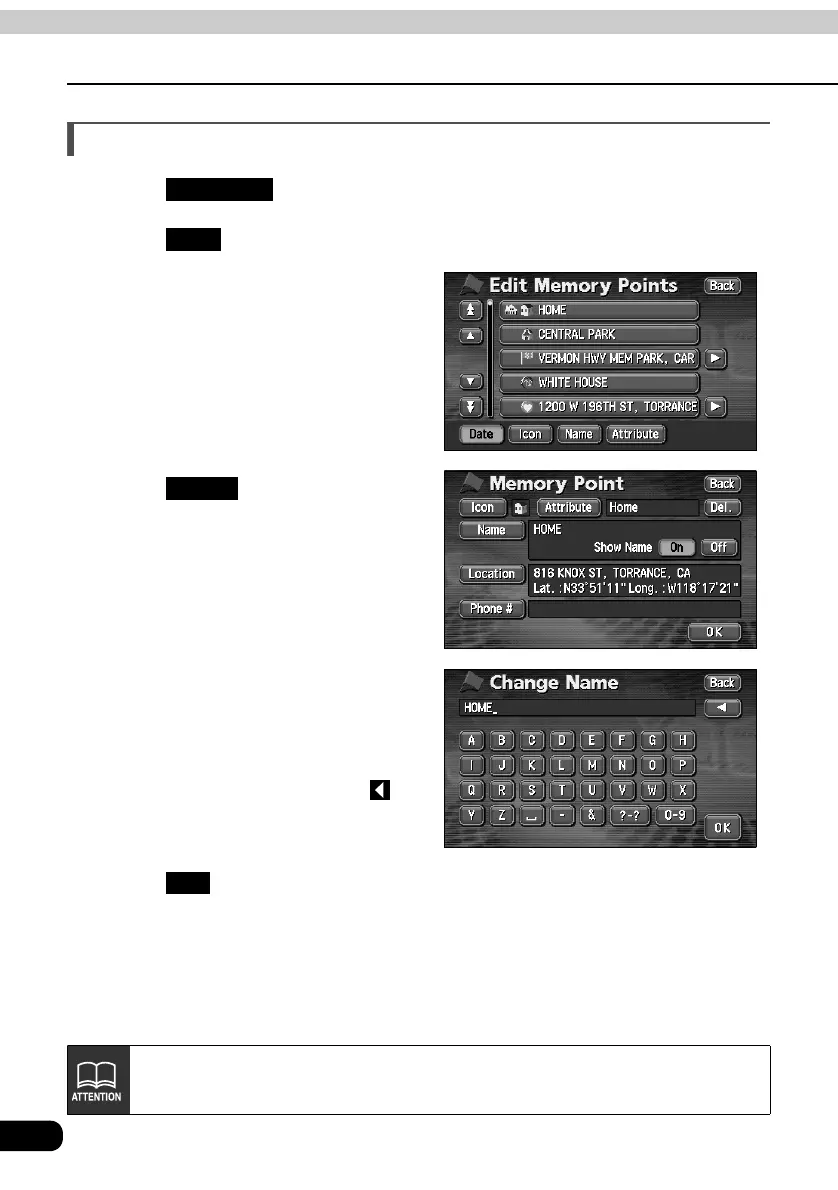
Entering the name of a memory point
Touch in the MENU screen.
Touch for Memory Points.
Touch the memory point for which
you want to enter a name.
Touch .
Enter one character at a time by
touching the switches on the
screen.
• If having made a mistake (or if the
name is already entered), touch to
delete one character at a time.
Touch .
My Places
Edit
Name
OK
Depending on the registered point, there may be a name already entered for it.



 To Next Page