Navigation guidance
83
Navigation
guidance
4. Starting, pausing and restarting route guidance
Starting route guidance
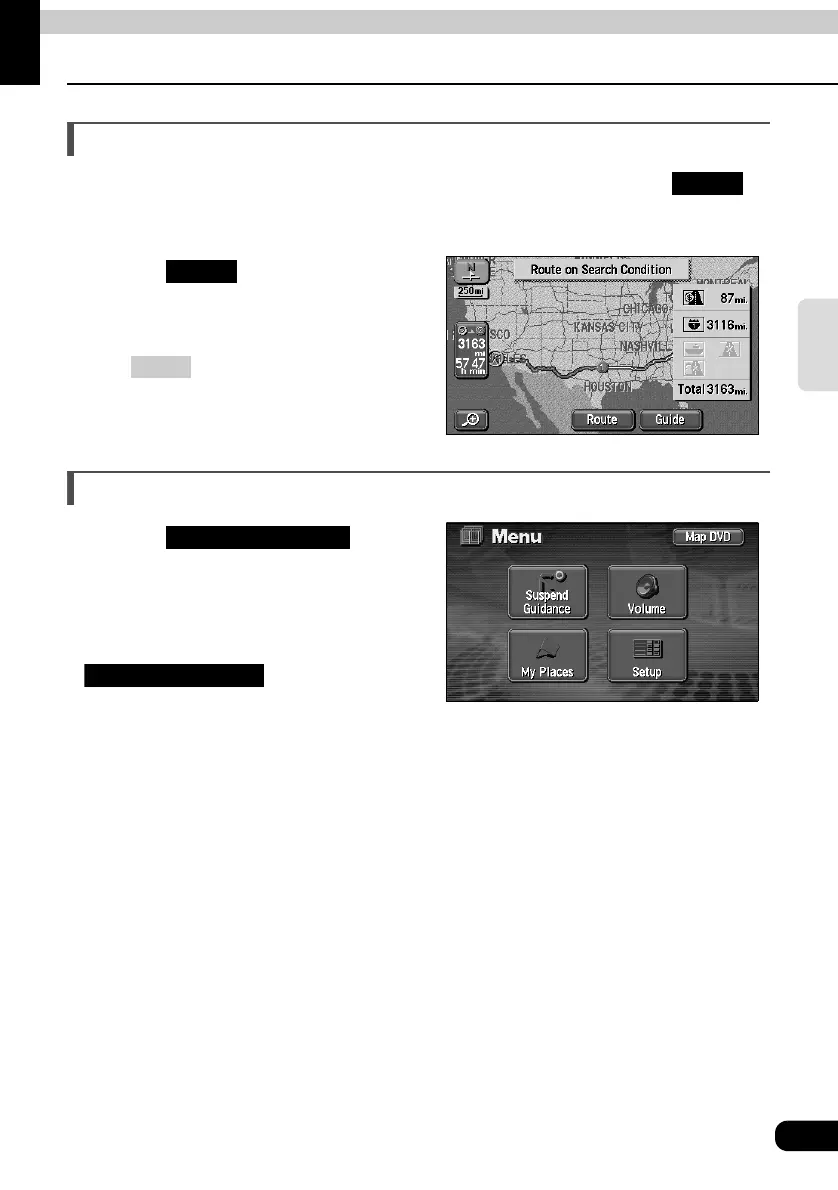
When the route search is complete, the all-route display screen appears. Touch on
the all-route display screen to start the route guidance. Route guidance can be paused and
restarted.
Touch on the all-route
display screen.
• Route guidance is started.
• Press after the all-route appears, or
do not operate the device for at least 3
seconds after you start driving, and route
guidance will automatically begin.
Pausing and restarting route guidance
Touch in the
MENU screen.
• Destinations will not be deleted even if
pausing route guidance.
• To restart route guidance, touch
on the menu screen
again.
Guide
Guide
NAVI
Suspend Guidance
Resume Guidance



 To Next Page