130
1. Rear View Camera operations
Optional function
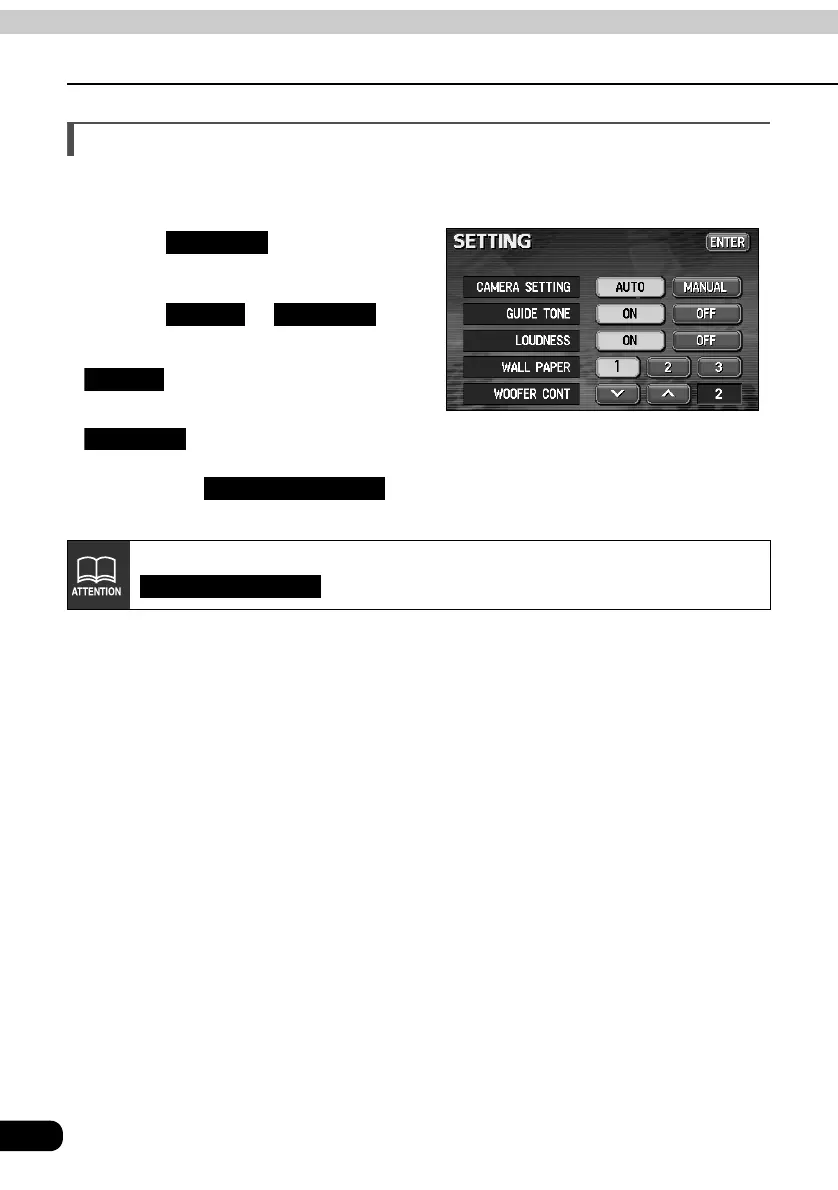
Rear View Camera settings
You can select whether or not the rear view image is automatically displayed on the monitor
on selecting reverse gear.
Touch on the
INFORMATION screen.
Touch or for
CAMERA SETTING.
• : The rear view image is
displayed in reverse gear.
• : The rear view image can be
displayed by touching
on
the INFORMATION screen.
Even when "AUTO" is set, the rear view image can be displayed by touching
on the INFORMATION screen.
SETTING
AUTO MANUAL
AUTO
MANUAL
CAMERA SCREEN
CAMERA SCREEN



 To Next Page