24
2. Adjusting the screen and setting the sound
Basic operation
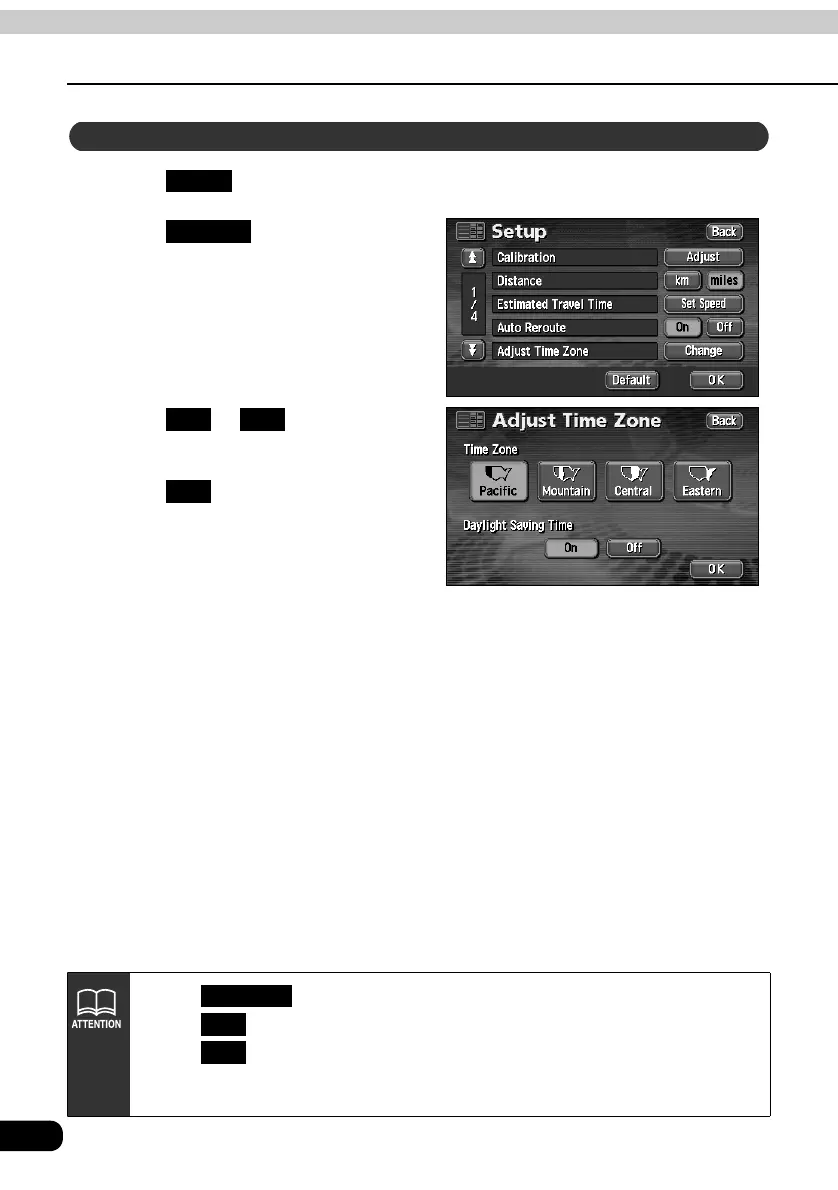
Touch in the MENU screen.
Touch for Adjust Time
Zone.
Touch or for Daylight
Saving Time.
Touch .
Setting the Daylight Saving Time
Setup
Change
On Off
OK
• Touch in the Setup screen to return all items to the default settings.
• Touch to gain the clock display 1 hour ahead.
Touch to return the clock display to the previous setting.
• The present time displayed is automatically adjusted using GPS signals. (You
cannot adjust the time yourself.)
Default
On
Off



 To Next Page