29
Basic
operation
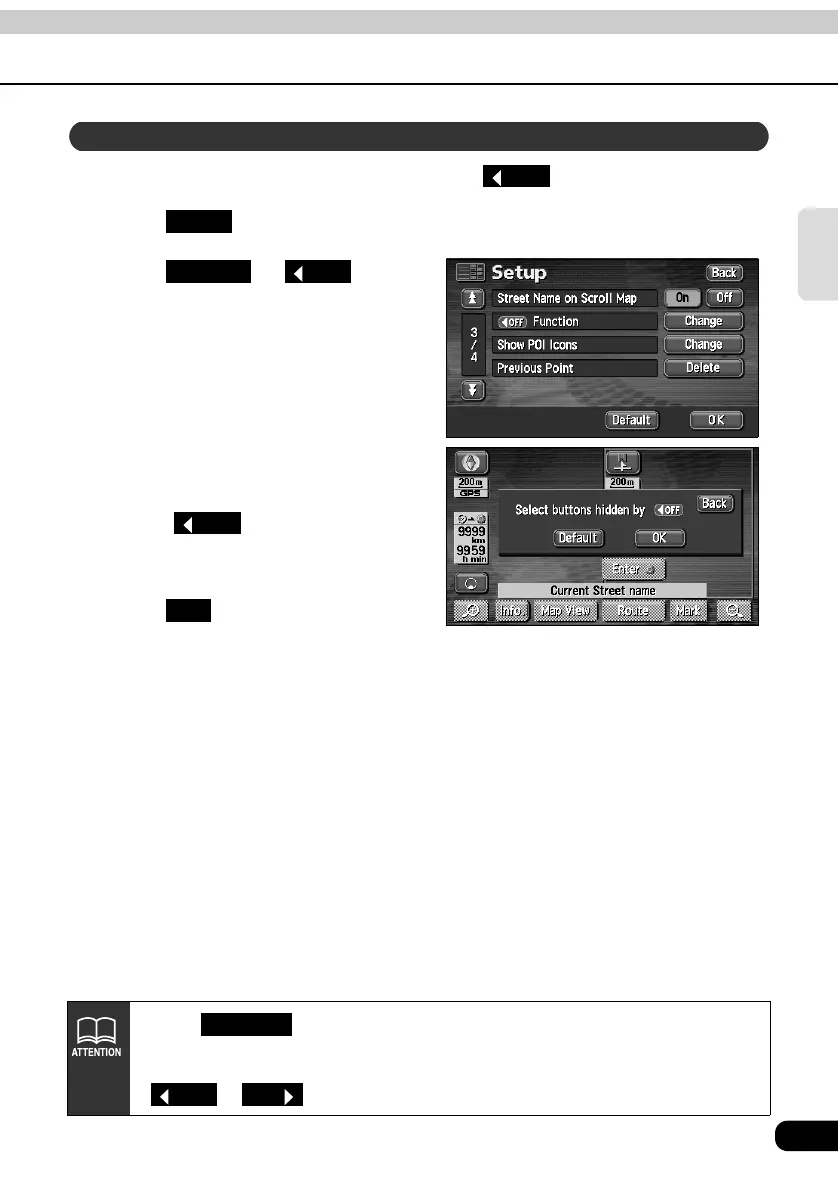
You can set the switches to be hidden on pressing the touch switch.
Touch in the MENU screen.
Touch for
Function.
Touch the touch switches desired
for non-display.
• Touch on the map screen
and the touch switches selected here
will not appear.
Touch .
Setting touch switches to display or not display
OFF
Setup
Change
OFF
OFF
OK
• Touch on the switch display setting screen to return the switch
display setting to default status.
• To display all the touch switches, touch those displayed in toned-down color.
or are not displayed.
Default
OFF
ON



 To Next Page