For reference
157
For
reference
4. Index by topic
Information about the maps
[Map displays]
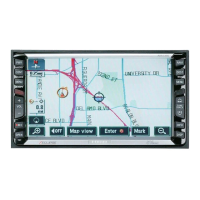
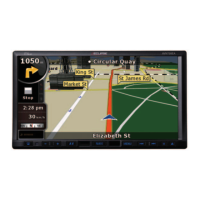
■ Info on how to view the map screens
"How to view the navigation screen" .......................................................... Page 14
■ Info on the present location
"Present location display"........................................................................... Page 26
■ Info on how to move the map
● How to view a map in the vicinity of the present location
"Moving the map (one-touch scroll)".......................................................... Page 27
● How to view the street name while scrolling
"Setting the Street Name display while scrolling"....................................... Page 28
■ Info on how to delete the touch switches appearing on the maps
"Switching the touch switch display".......................................................... Page 28
■ Info on how to change the map size (reduction scale)
● How to switch from a 250 mile to a 75 ft scale
"Switching the map reduction scale". . . . . . . . . . . . . . . . . . . . . . . . . . . . . Page 30
■ Info on how to change the map display method
● How to change the map orientation
"Switching the map orientation" ................................................................. Page 32
● How to display a double screen
"Switching to double screen display" ......................................................... Page 33
■ Info on how to display various data on a map
● How to display POIs
"POI display" .............................................................................................. Page 36
● How to display the arrival time at the destination
"Switching the touch switch display" .......................................................... Page 28
How to display the present time
"Switching the Time Zone"......................................................................... Page 23


 To Next Page