71
Navigation
guidance
Bypass using the present location screen
Touch if a map is displayed.
Touch .
Touch
.
• If searching for a route that passes
through a restricted segment, an
indicator will light up.
Touch to start the route
search.
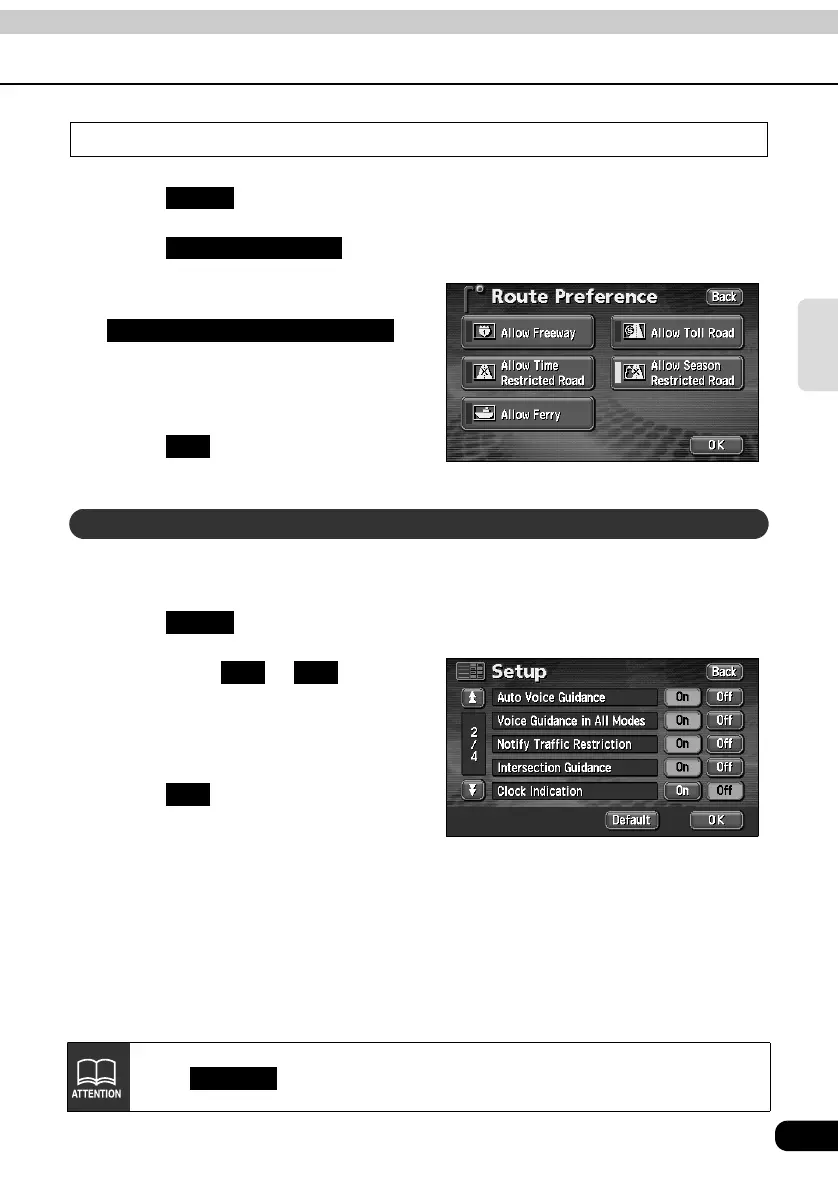
The message appearing if a search result route has a restricted segment can be turned ON
(display) or OFF (not display).
Touch in the MENU screen.
Touch either or for
Notify Traffic Restriction.
• The pressed touch switch will become
green.
Touch .
Route
Route Preference
Allow Season Restricted Road
OK
How to display message on a restricted segment
Setup
On Off
OK
Touch in the SETUP screen to return all items to their default settings.
Default



 To Next Page