19
Basic
operation
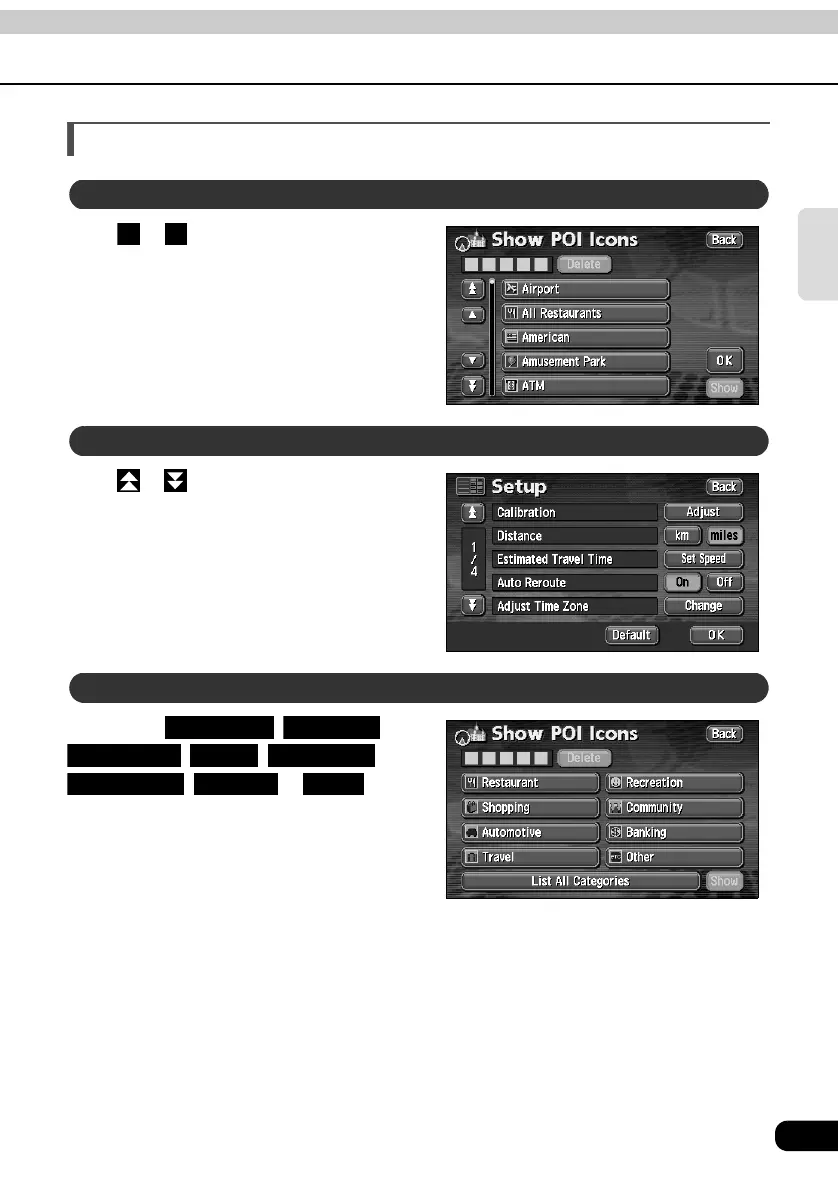
How to switch the list screens
Touch or to move the list one item at a
time.
Touch or to move the list one page at a
time.
Touch either , ,
, , ,
, or to
move the list one POI at a time.
• The touch switch color is toned down for
POIs without corresponding lists. Touching
a toned-down touch switch will have no
effect.
▲ or ▼ switch display
▲ ▼
Page switch display
POI switch display
Restaurant Shopping
Automotive Travel Recreation
Community Banking Other



 To Next Page