64
2.
Set a destination and search for a route
Navigation guidance
Setting a destination
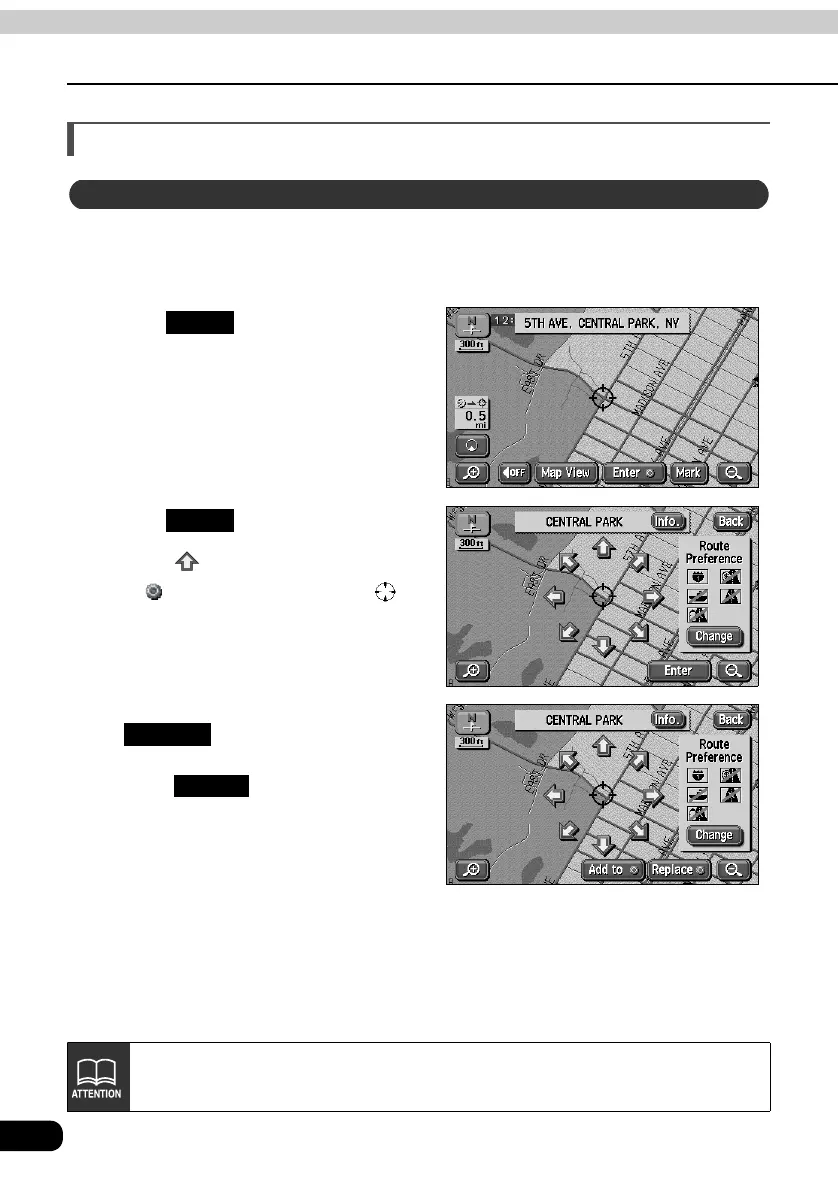
A destination can be set in the map presently displayed.
Touch the map.
Touch .
Touch .
• Touch to move the map.
• A symbol will appear for the
destination point on the position and a
route search will begin.
• If a destination is already set, touch
to delete the set
destination and set a new one.
• Touch to add a destination.
It will be added as the next destination
after the present location.
One-touch setting
Enter
Enter
Replace
Add to
If a map with a reduction scale wider than 0.5 miles is displayed, switch to a 0.5
mile reduction scale.



 To Next Page