86
5. Route guidance
Navigation guidance
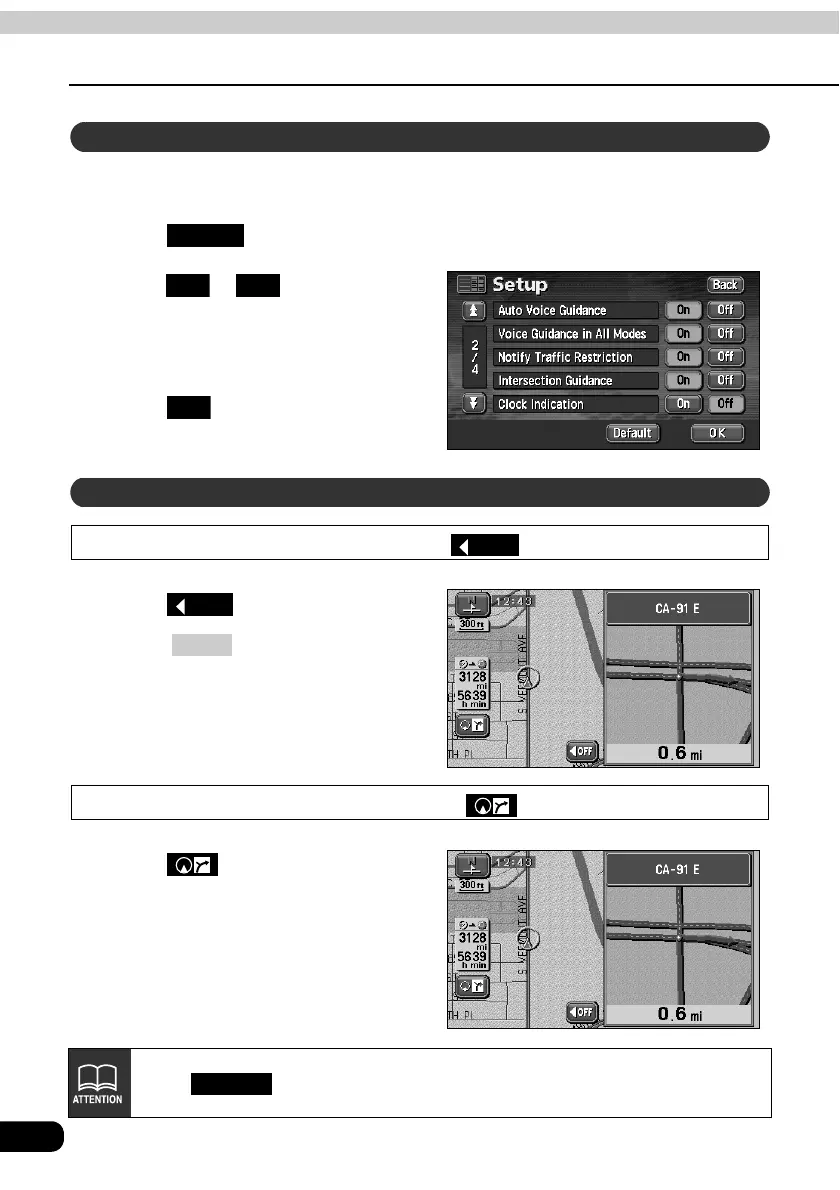
Select either to have the intersection guidance screen turned ON (display) or OFF (not
display).
Touch in the MENU screen.
Touch or for Intersection
Guidance.
• The pressed touch switch will become
green.
Touch .
Cancel using
Touch .
• Press to redisplay the
intersection guidance screen.
Cancel using
Touch .
Touch in the SETUP screen to return all items to their default settings.
Set automatic display of the intersection guidance screen
Setup
On Off
OK
Set the intersection guidance screen
OFF
OFF
NAVI
Default



 To Next Page