97
Navigation
guidance
* When a transit road is indicated between the present location and the next destination, a
route is searched for between the present location and the indicated transit road.
Screen
No.
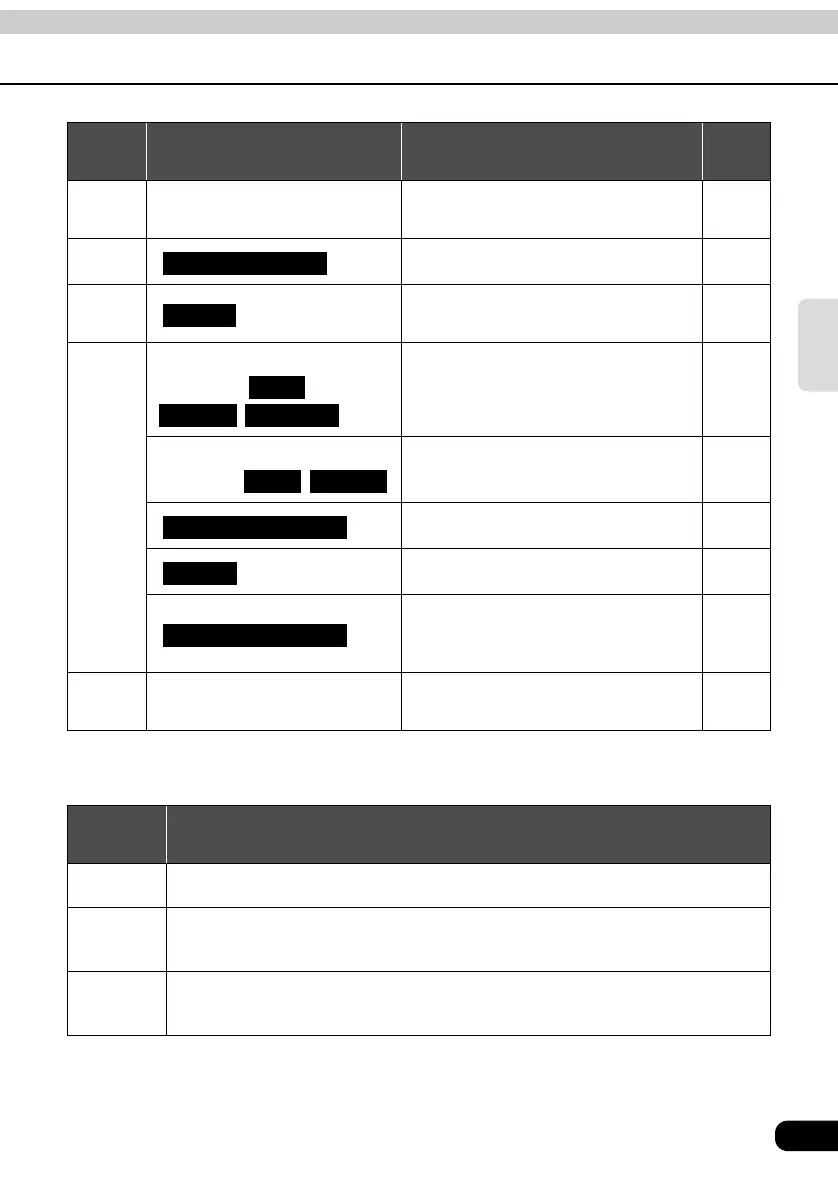
Touch switch Function Page
1 Map retrieval method
Retrieves the destination map Sets/
adds a destination
45
2
Shows the all-route display 67
3
Displays the search condition setting
screen
74
4
Destination, Transit
destination ,
,
Adds, switches the order or deletes
destinations
75
78
79
Transit point (transit road
indication) ,
Indicates, corrects or deletes transit
roads
80
81
Displays the route modification screen 77
Detour from the existing route ahead. -
Permits you to specify whether
freeways, toll roads and other road
categories are used or not.
98
5
Search conditions
Sets the search conditions for each
segment
77
Search
conditions
Function
Quick 1
A common route from the present location to the next destination
*
is searched for.
Quick 2
A route prioritizing toll roads from the present location to the next destination
*
is
searched for.
Short
A route with the shortest distance from the present location to the next
destination
*
is searched for.
Route Overview
Route
Add
Delete Reorder
Add Delete
Search Condition
Detour
Route Preference



 To Next Page