How to operate the USB music file player
33
V
How to operate the USB music file player
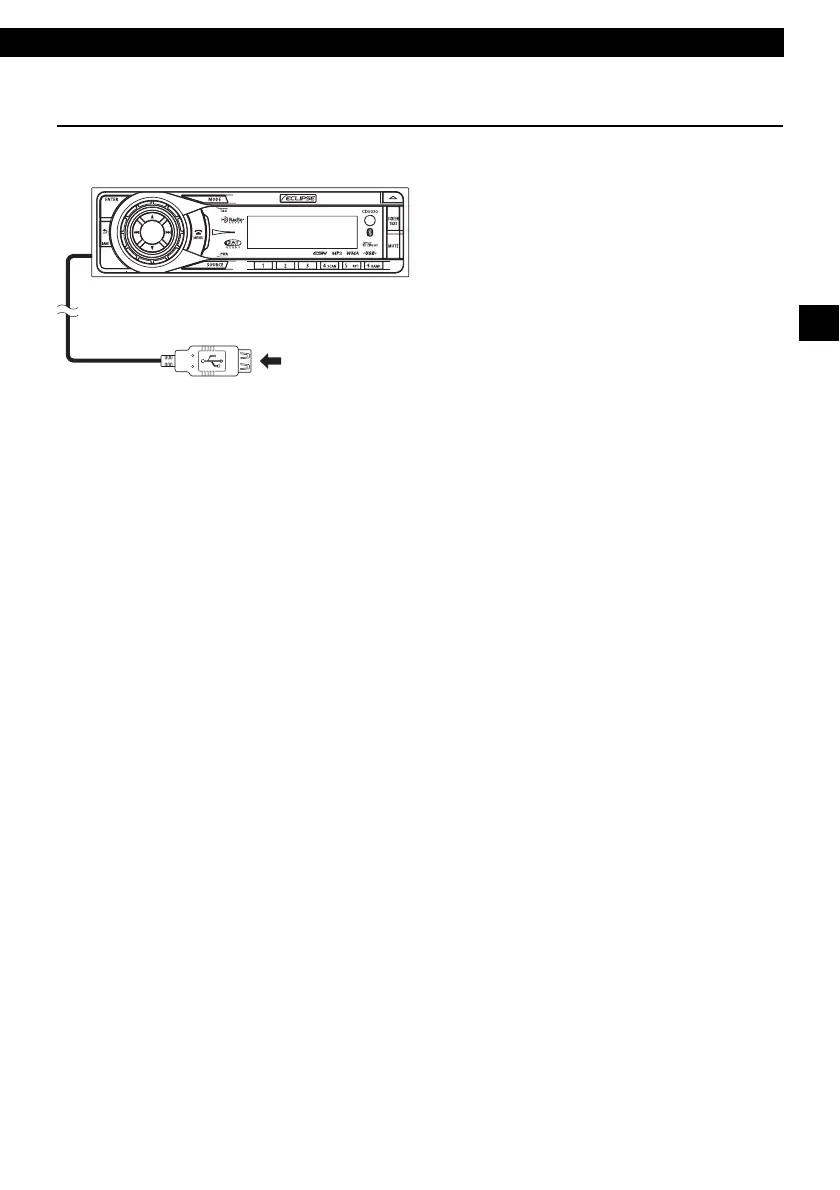
Plug a digital audio player or a USB memory (having a USB terminal) into the USB connector and set
the main unit to the USB mode, and you can listen to a music file of the audio player or USB memory.
USB connection terminal for USB memory or
digital audio player.



 To Next Page