Operating the Limit Controller
52 UDC2500 Universal Digital Limit ControllerProduct Manual 8/05
How to set a limit setpoint
Step Operation Press Result
1 Display
setpoint
Lower
Display
Lower
Display
Lower
Display
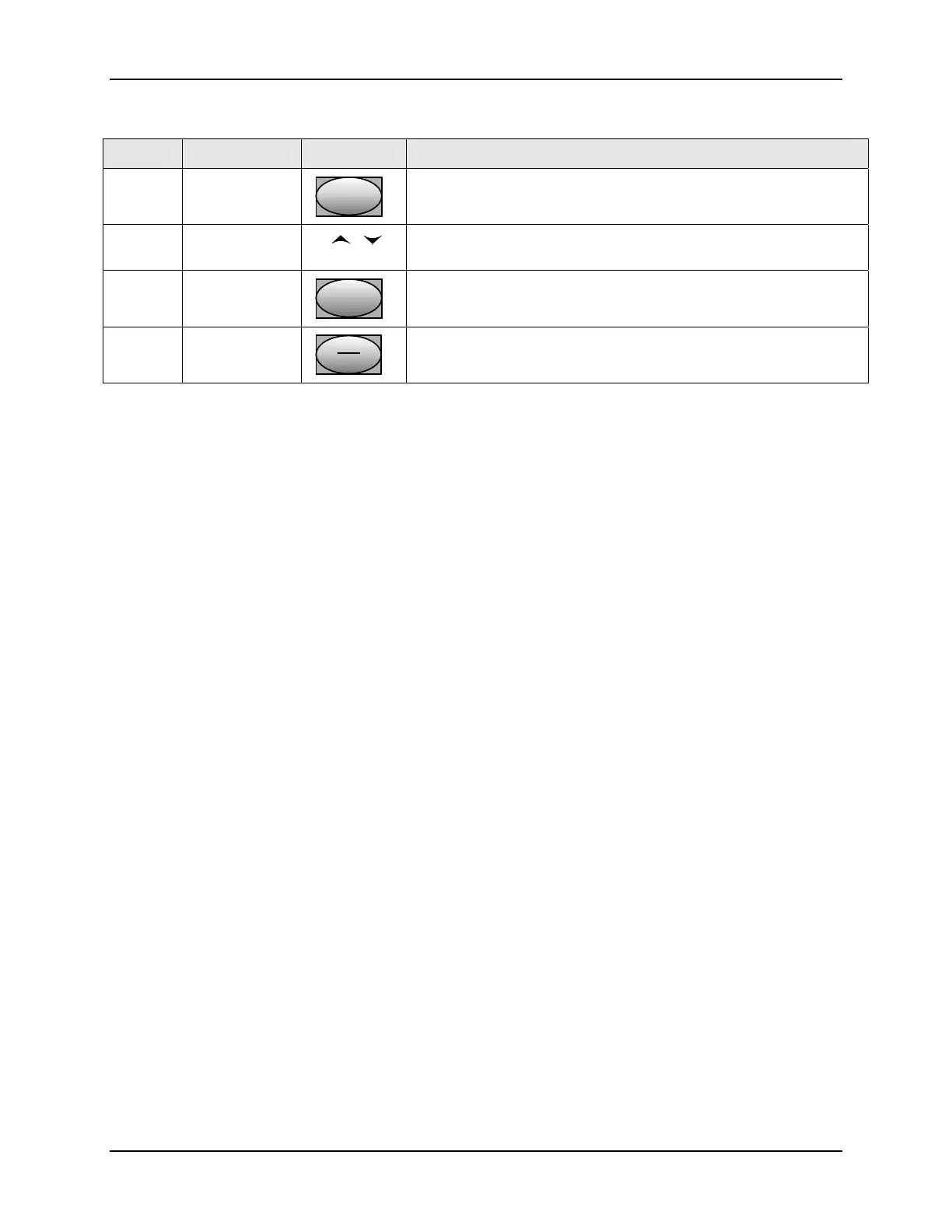
Press the "Lower Display" key till SP appears.
2 Enter the Limit
Setpoint
or Set the SP, using the Up & Down arrow keys, to the desired Limit
Setpoint
3 Store the limit
setpoint
Lower
Display
Lower
Display
Lower
Display
Press the "Lower Display" to store the value.
4 If the display
flashes "Limit"
M-A
Reset
M-A
Reset
M-A
Reset
Press the Auto-Man/ Reset key.



 To Next Page