1 Product Description
ED-HMI2120-101C User Manual 1-9
1.5 Indicator
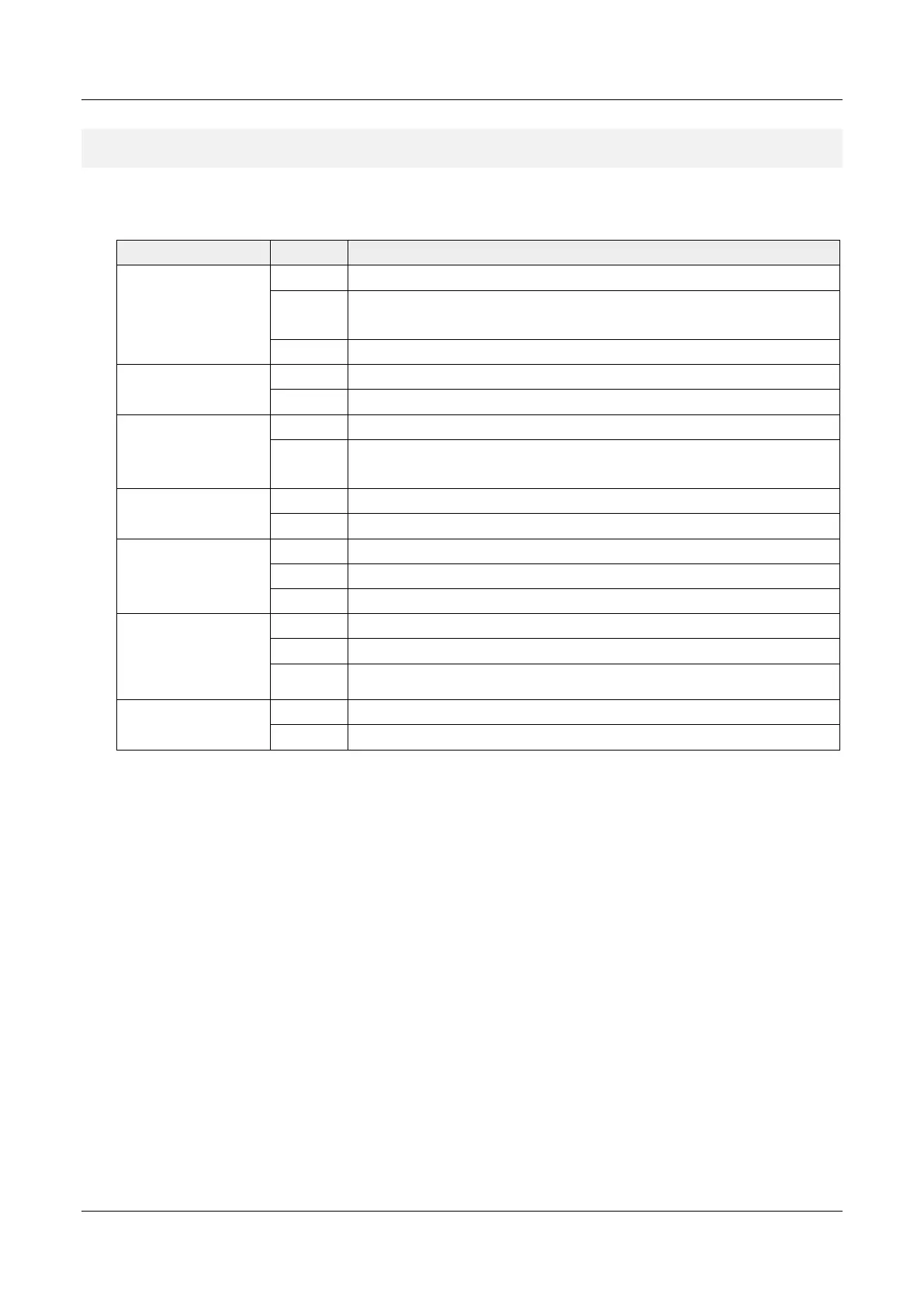
This section introduces various statuses and meanings of indicators contained in ED-HMI2120-101C.
Indicator Status Description
PWR
On The device has been powered on.
Blink
Power supply of the device is abnormal, please
immediately.
Off The device is not powered on.
ACT
Blink The system started successfully and is reading and writing data.
Off The device is not powered on or does not read and write data.
USER
On User can customize a status according to actual application.
Off
The device is not powered on or not defined by the user, and the default status
is off.
4G
On The dial-up is successful and the connection is normal.
Off 4G signal is not connected or the device is not powered on.
Yellow indicator
of Ethernet port
On The data transmission is abnormal.
Blink Data is being transmitted over the Ethernet port
Off The Ethernet connection is not set up.
Green indicator
of Ethernet port
On The Ethernet connection is in the normal state.
Blink The Ethernet connection is abnormal.
Off The Ethernet connection is not set up.
COM1~COM4
On/Blink Data is being transmitted.
Off The device is not powered on or there is no data transmission.



 To Next Page