4 Booting The Device
ED-HMI2120-101C User Manual 4-2
4.1 Connecting Cables
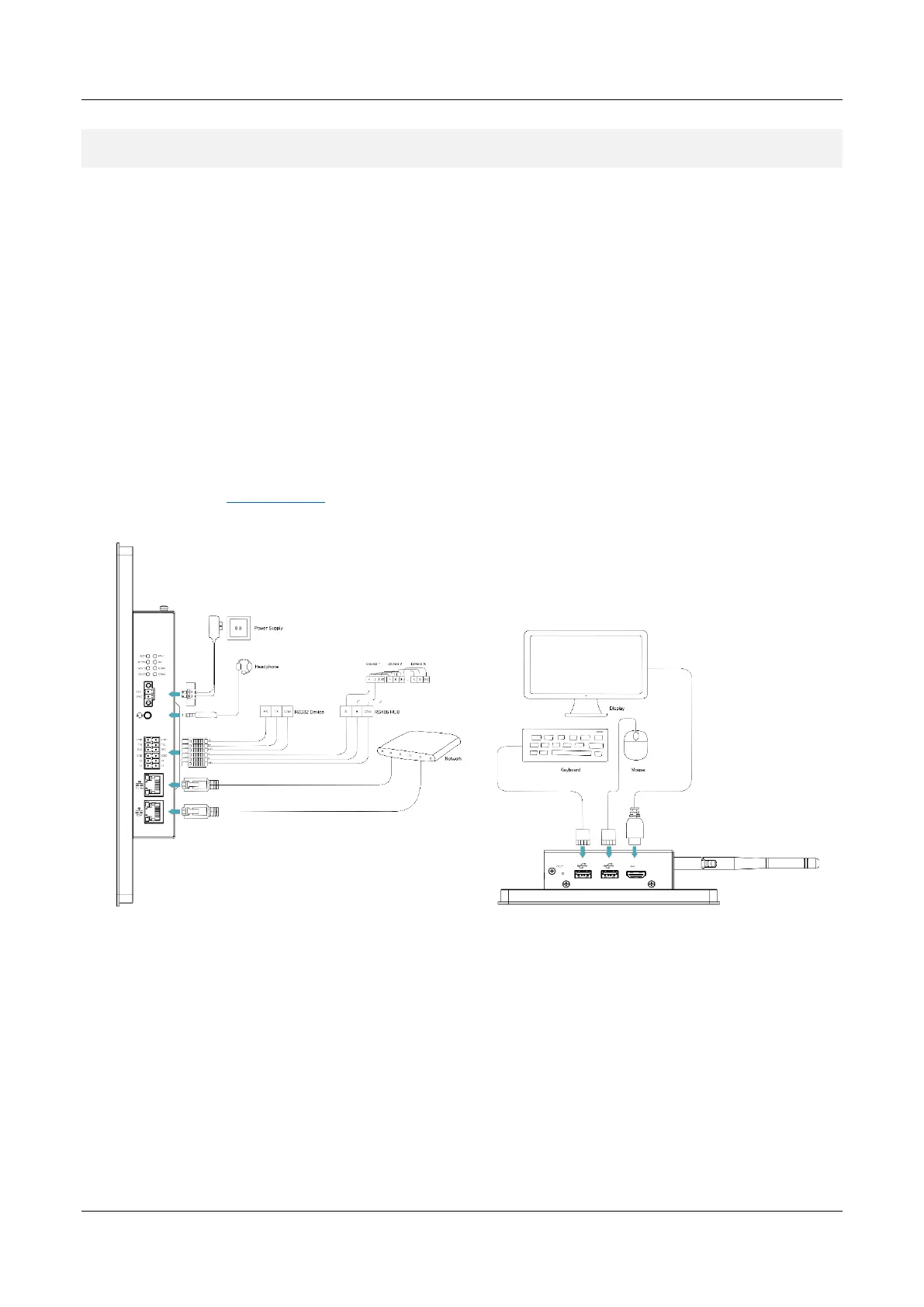
This section describes how to connect cables.
Preparation:
Accessories such as display, mouse, keyboard and power adapter that can be used normally
have been ready.
A network that can be used normally.
Get the HDMI cable and network cable that can be used normally.
Schematic diagram of connecting cables:
Please refer to 1.6 Interfaces
f
or the pin definition of each interface and the specific method of wiring.



 To Next Page