5 Configuring System
ED-HMI2120-101C User Manual 5-40
5.13 Configuring LCD Screen
When using the LCD screen, you can adjust rotation of LCD screen orientation and brightness.
5.13.1 Rotating Orientation
If you are using the Desktop version of the operation system, you can adjust the rotation of LCD
screen orientation through the interface menu.
Preparation:
The audio interface has been connected to MIC.
Steps:
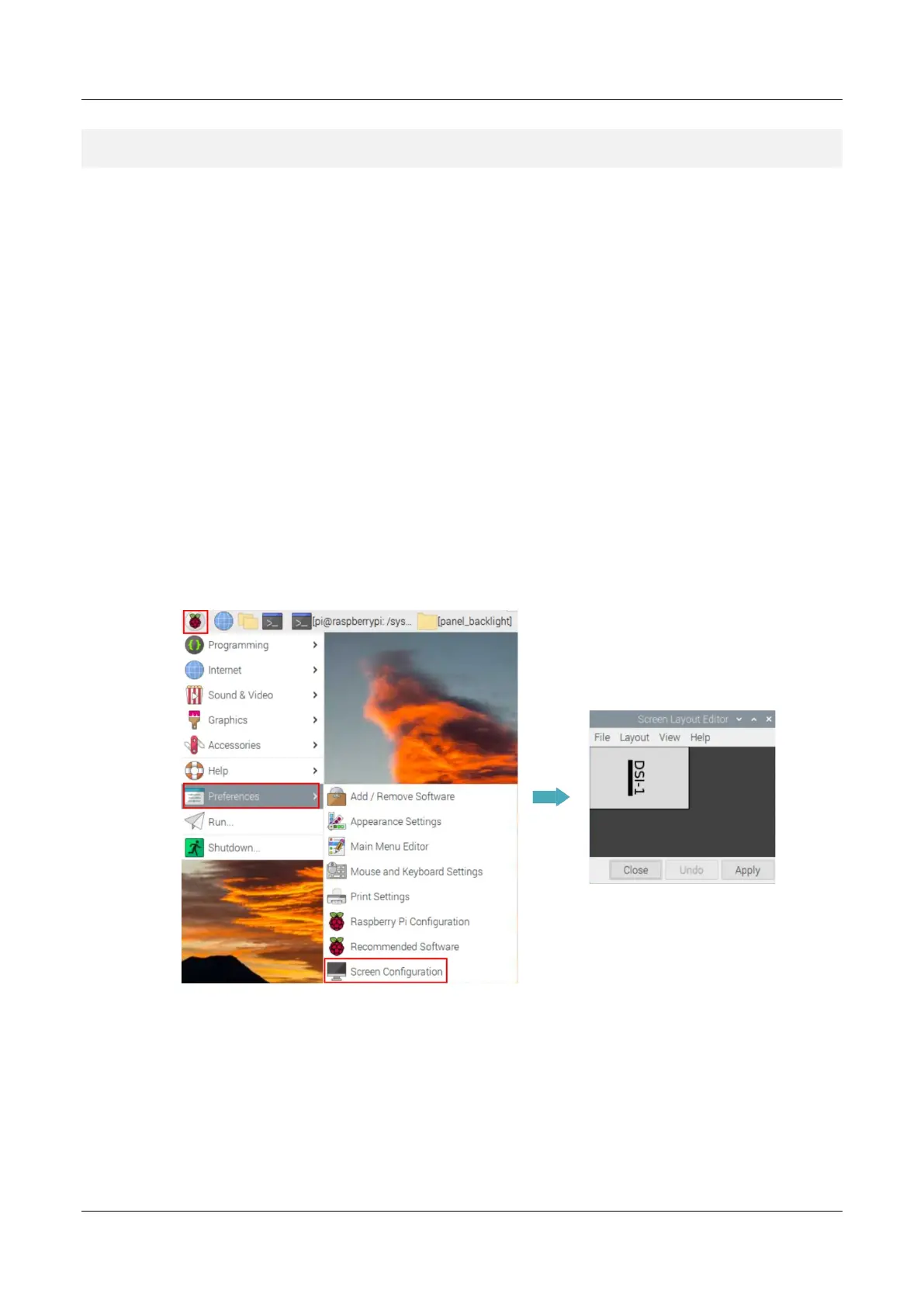
1. Click the Raspberry Pi Logo on the upper left corner of desktop, and select "Preferences >
Screen Configuration" to open Screen Layout Editor interface.
2. Click "Layout" in the main menu, select "Screen > DSI-1 > Orientation" to open the LCD
screen rotation parameters. Then, you can select the rotation parameters to set as required.



 To Next Page