4 Booting The Device
ED-HMI2120-101C User Manual 4-3
4.2 Booting The System For The First Time
ED-HMI2120-101C has no power switch. After the power supply is connected, the system will start.
The red PWR indicator is on, indicating that the device has been powered normally.
The green ACT indicator is blinking, indicating that the system is started normally, and then
the logo of Raspberry Pi will appear in the upper left corner of the screen.
TIP:
Default username is pi, Default password is raspberry.
4.2.1 Raspberry Pi OS (Desktop)
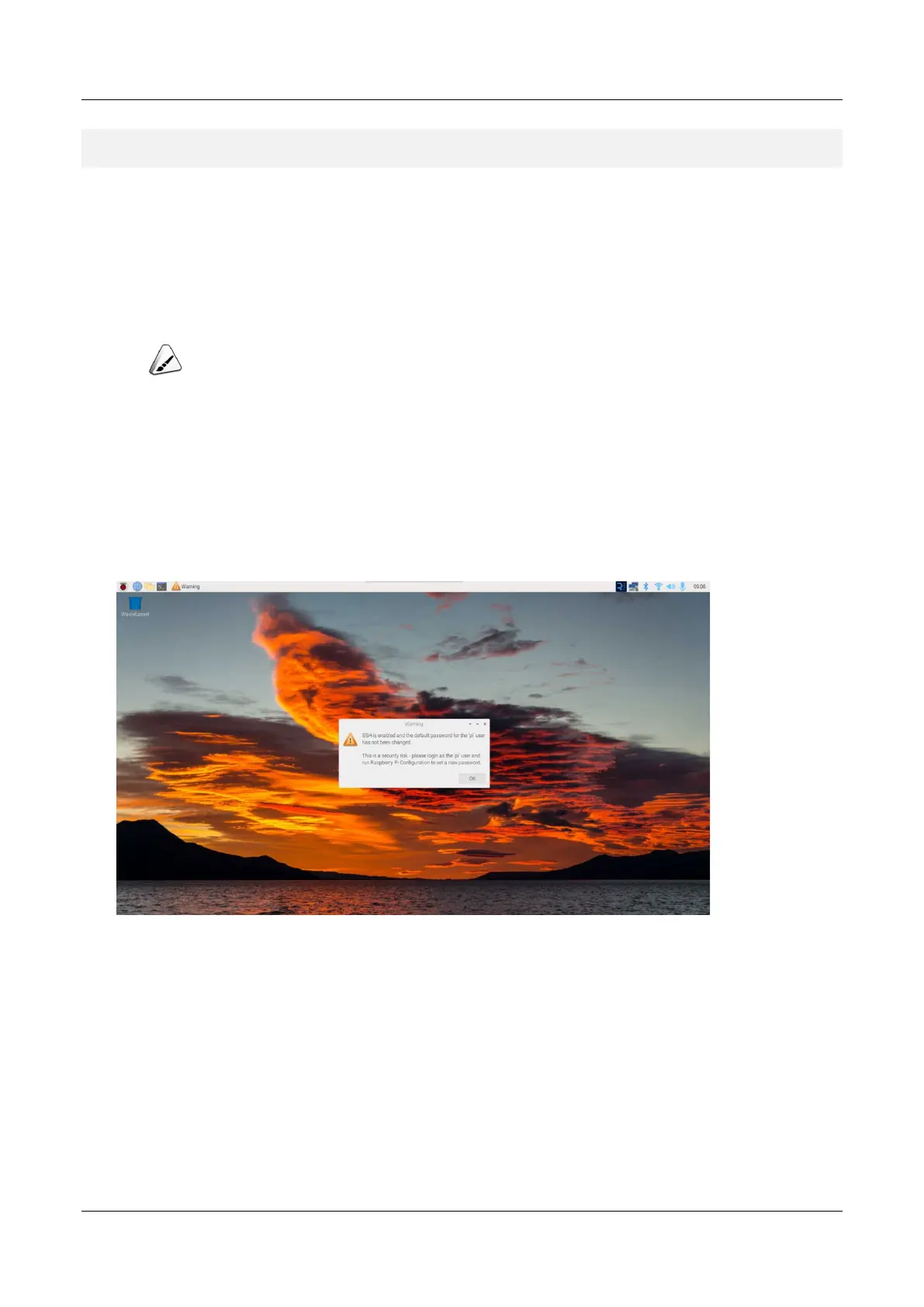
If the Desktop version of the system is installed when the product leaves the factory, after the device
is started, it will directly enter the desktop, as shown in the following figure.
4.2.2 Raspberry Pi OS (Lite)
If the Lite version of the system is installed at the factory, the default username pi will be used to
automatically log in after the device is started, and the default password is raspberry. The following
figure shows that the system has been started normally.



 To Next Page