3 Installing Device
ED-HMI2120-101C User Manual 3-2
3.1 Embedded Installation
ED-HMI2120-101C supports embedded front installation, which is equipped with 4 buckles (including
4xM4*8 screws and 4xM4*16 screws).
Preparation:
The buckles (including 4xM4*8 screws and 4xM4*16 screws) have been obtained from the
packaging box.
A cross screwdriver has been prepared.
Steps:
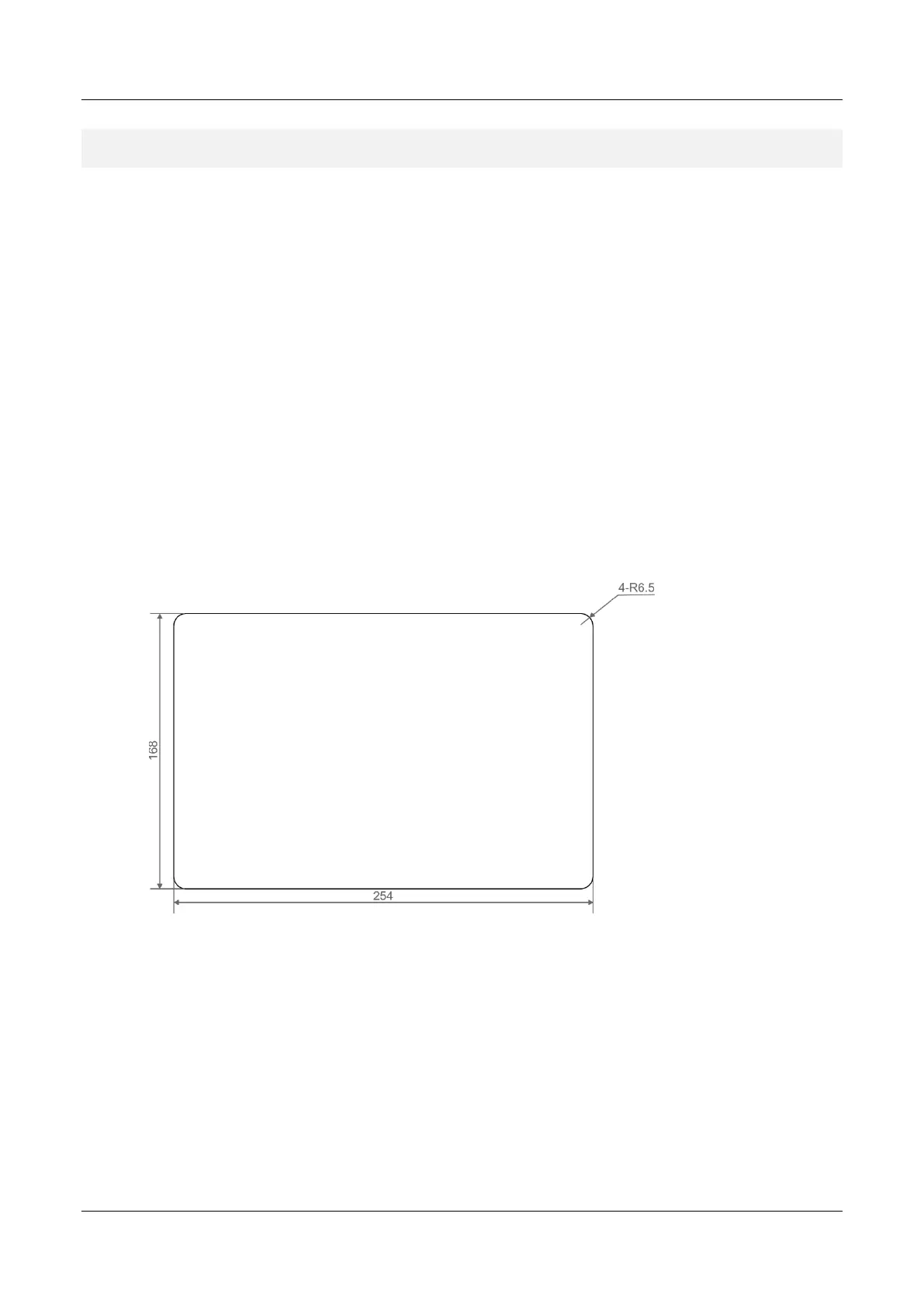
1. You need ensure the opening size of the cabinet according to the size of ED-HMI2120-101C,
as shown in the figure below.
Unit: mm
2. Drill a hole on the cabinet according to the hole size of step1.
3. Insert the ED-HMI2120-101C into the cabinet from the outside.



 To Next Page