2 Installing Components
ED-HMI2120-101C User Manual 2-2
2.1 Installing Antenna (optional)
If the purchased ED-HMI2120-101C includes 4G and Wi-Fi functions, the antenna needs to be
installed before using the device.
Preparation:
The corresponding antennas have been obtained from the packaging box. If there are multiple
antennas, they can be distinguished by the labels on the antennas.
Steps:
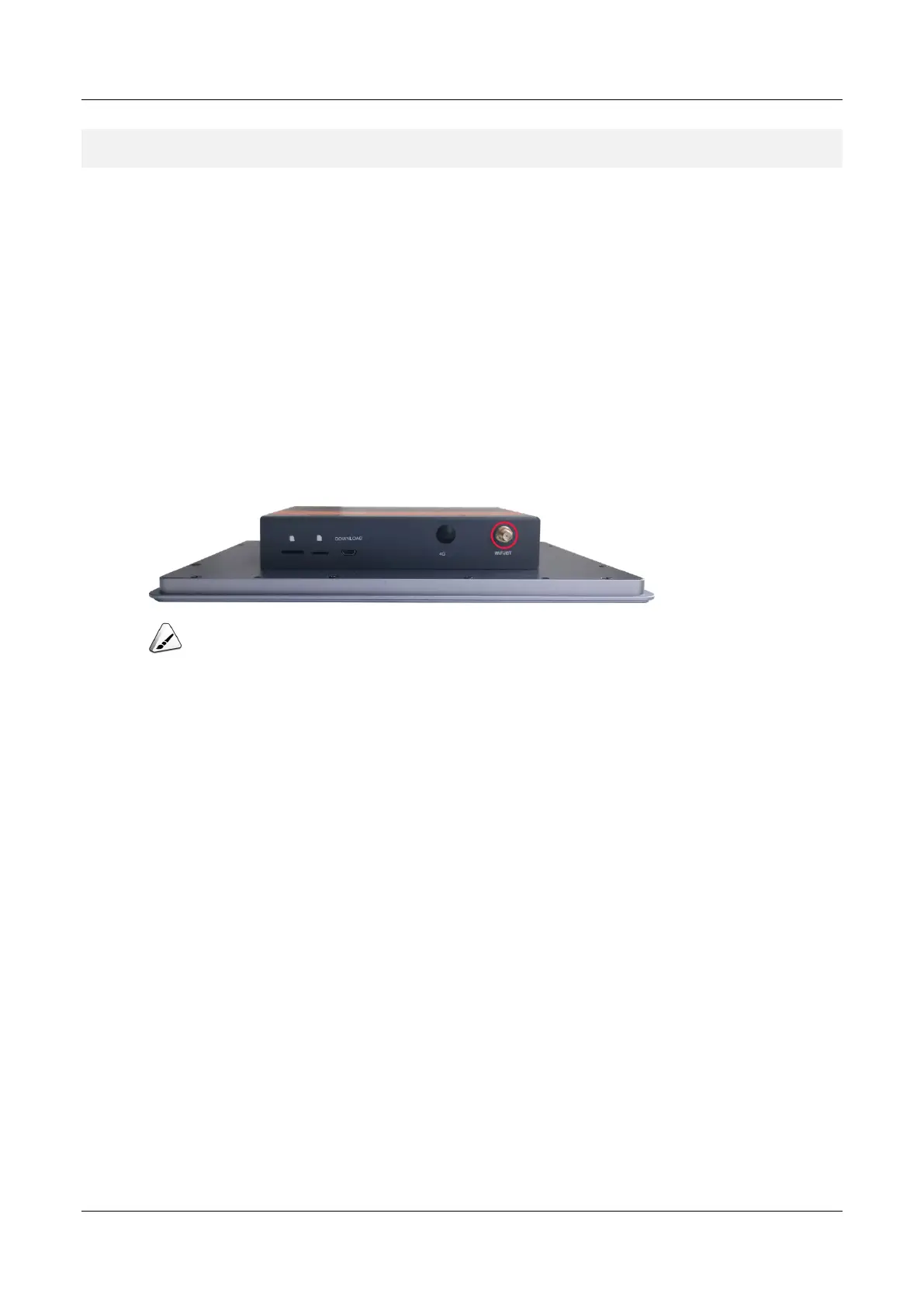
1. Locate the antenna port where the antenna is to be installed, as shown in the red box in the
figure below.
TIP:
The number of antennas is related to the model selected by the user. Here, only Wi-Fi antennas is included
as an example for illustration.
2. Align the ports on both sides of the device and the antenna, then tighten them clockwise to
ensure that they will not fall off.



 To Next Page