5 Configuring System
ED-HMI2120-101C User Manual 5-28
5.7.1.3 Scenario Where Username And Password Need To Be Configured
If the user's 4G network needs to be configured with a username and password, you can refer to the
following steps.
Steps:
1. Customize a gsm network name (for example, 4G3), and respectively obtain the number,
name and password of the gsm network to be configured (for example, 777, mycdma,
mobile).
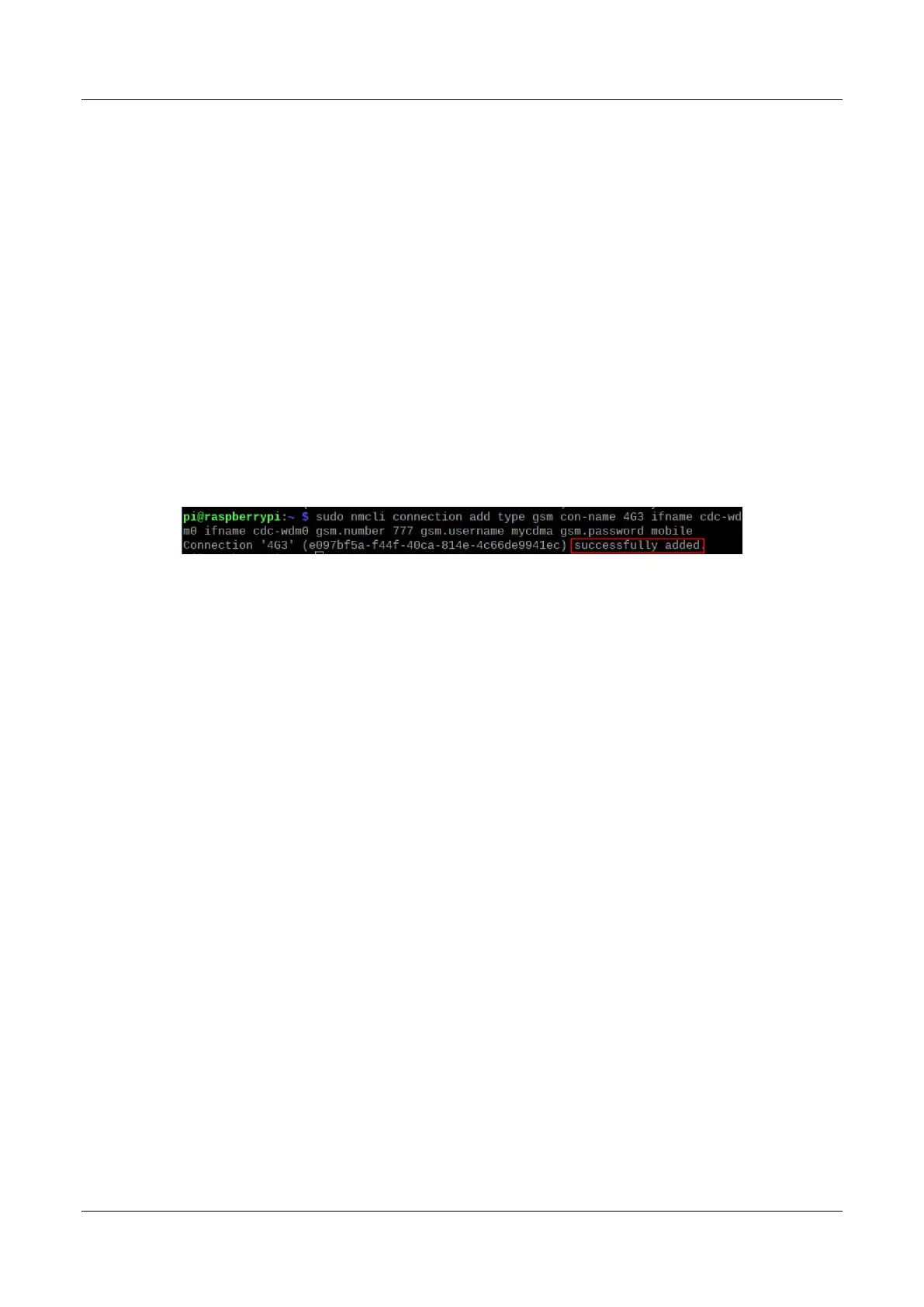
2. Execute the following command to create a gsm network named 4G3.
sudo nmcli connection add type gsm con-name 4G3 ifname cdc-wdm0 ifname cdc-wdm0
gsm.number 777 gsm.username mycdma gsm.password mobile
5.7.2 Configuring The Network By Using The dhcpcd Tool
By default, automatic dialing is prohibited in 4G networks. If users want to start automatic dialing and
use the network, they need to enable "lte-reconnect.service" service. Configure as follows according
to different scenarios requirements.
5.7.2.1 Scenarios Without APN Configuration
If the user's 4G network does not need to be configured with APN, it can be configured according to
the following steps.
Steps:
1. Execute the following command to enable the "lte-reconnect.service" service.
sudo systemctl enable lte-reconnect.service
2. Execute the following command to start the "lte-reconnect.service" service and make
automatic dialing.
sudo systemctl start lte-reconnect.service
3. Execute the following command to check the status of the wwan interface.



 To Next Page