5 Configuring System
ED-HMI2120-101C User Manual 5-23
Where SSID is the name of the WiFi to be connected and password is the password of the
WiFi to be connected.
3. Execute the following command to set up automatic WiFi connection.
sudo nmcli connection modify SSID connection.autoconnet yes
Where SSID is the name of the WiFi to be connected.
5.5.3 Configuring WiFi Connection By Using dhcpcd Tool
In both Desktop and Lite versions of the operating system, you can connect to WiFi through the dhcpcd
tool.
Preparation:
WiFi function is enabled.
The WiFi name and password that can be connected are prepared, for example, the WiFi
name is EDATEC-WH and the password is password.
Steps:
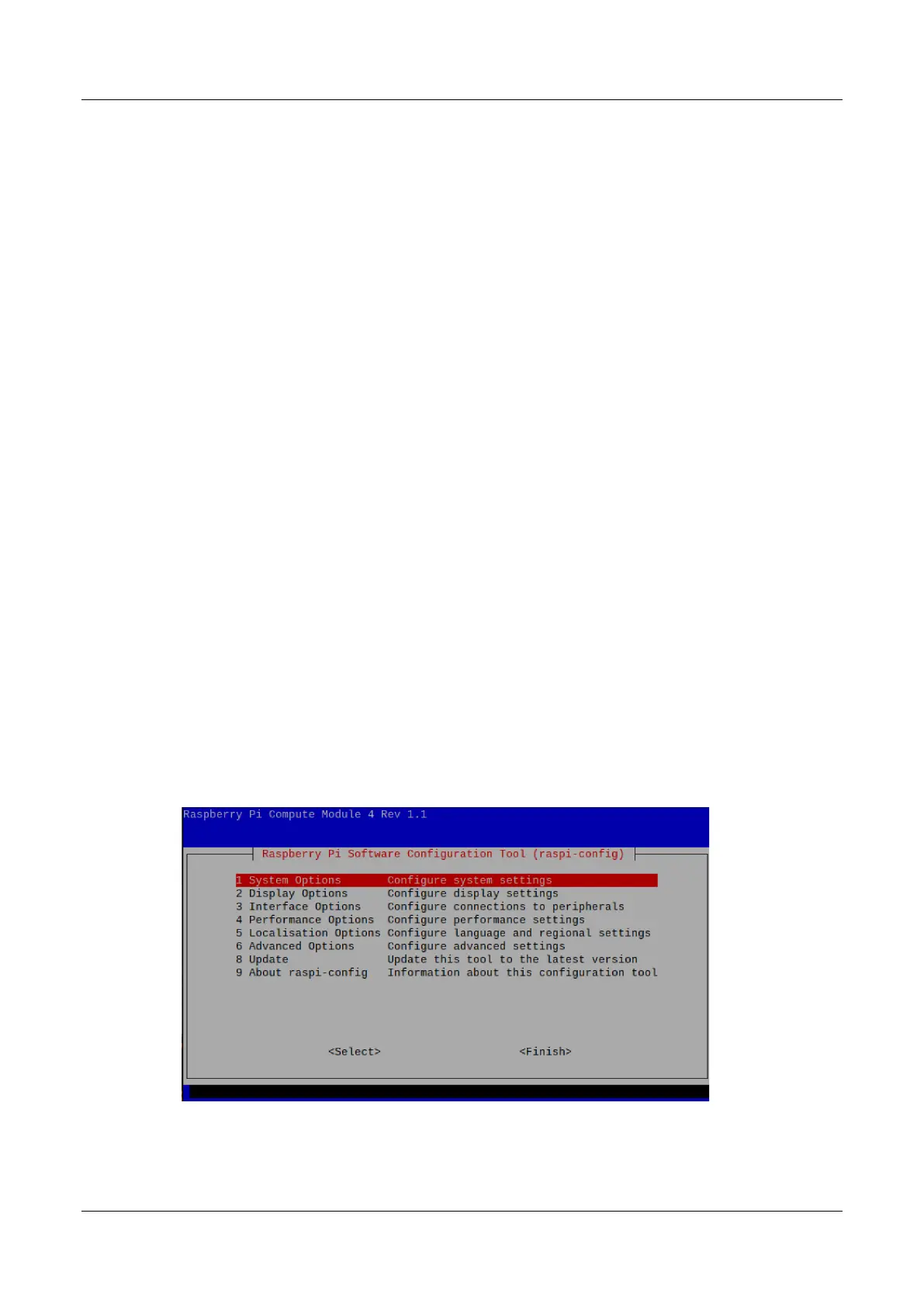
1. Open the terminal and execute the following command to open the Raspberry Pi Software
Configuration Tool (raspi-config) interface.
sudo raspi-config
2. Select "1 System Options" and press Enter, and then select "S1 Wireless LAN" in the
interface.



 To Next Page