5 Configuring System
ED-HMI2120-101C User Manual 5-22
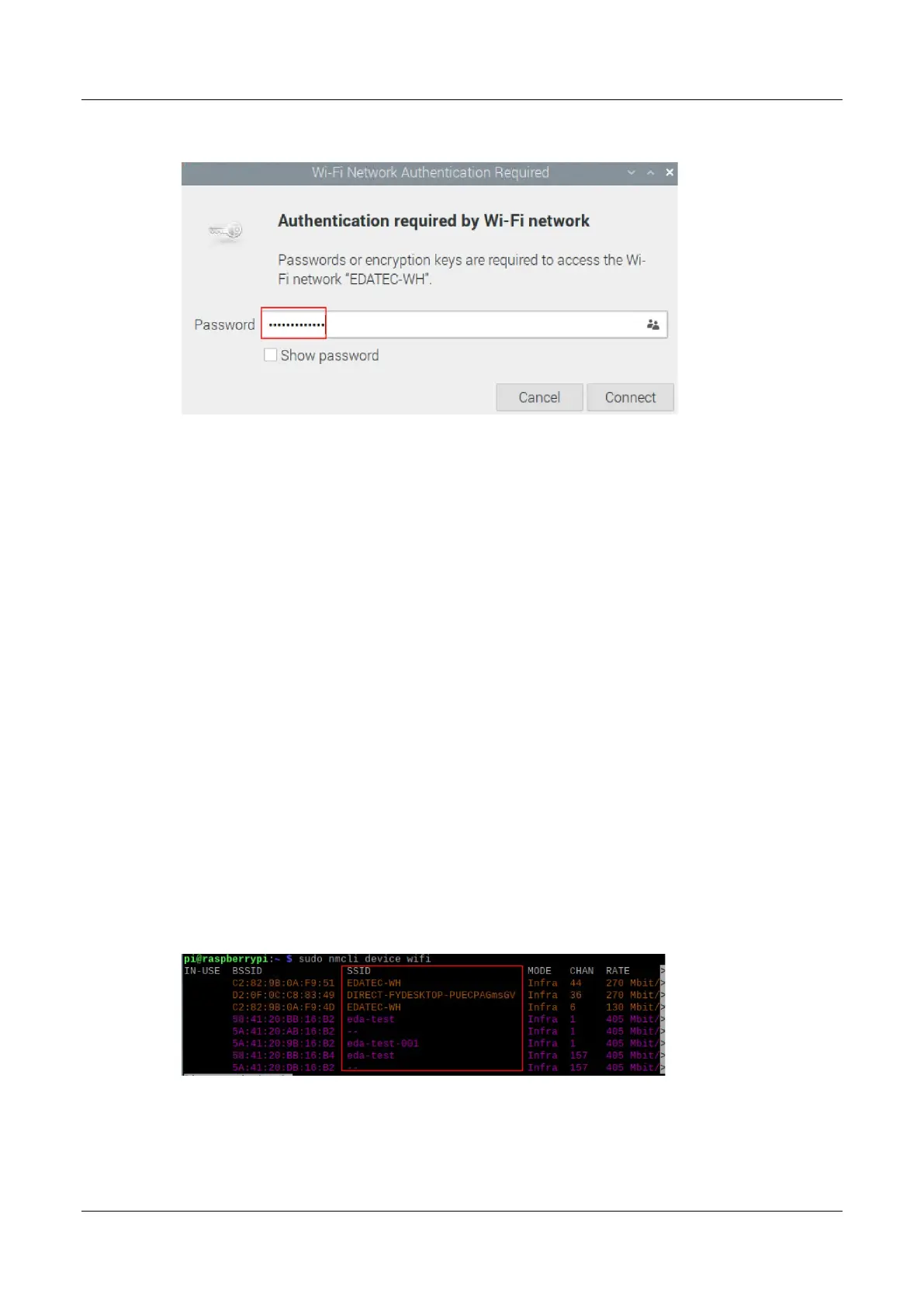
2. Enter the WiFi Password in the pop-up "Wi-Fi Network Authentication Required" pane.
3. Click "Connect" to connect to the network. After the connection is completed, the WiFi icon
will be displayed normally in the upper right corner of the desktop.
5.5.2.2 Raspberry Pi OS(Lite)
In the Lite version of the operating system, it is supported to configure WiFi through the command line.
Preparation:
WiFi function is enabled.
The WiFi name and password that can be connected are prepared, for example, the WiFi
name is SSID and the password is password.
Steps:
1. Open the terminal and execute the following command to scan the list of connectable WiFi
name.
sudo nmcli device wifi
2. Execute the following command to connect the WiFi to be accessed.
sudo nmcli device wifi connect SSID password password



 To Next Page